Designed Rampnow's widget for buying and selling crypto




TL;DR
Rampnow sold on-ramp and off-ramp infrastructure to crypto businesses. To reach people directly, it needed its own way to buy and sell crypto: a web app, and a widget other crypto products can embed.
I led the design in both directions, from sign-in to payout. I also ran the research, 9 interviews across Europe and Latin America plus competitor and forum reviews, turned it into the product's goals, and tested early versions with the CEO and users.
Many of the people we spoke to were new to crypto. Every screen had to keep them moving, with a way forward whenever something failed.
Role
- Lead Product Designer
Platform
- Web app
- Embeddable widget
Year
- 2025
Problem
People found out about fees too late, waited on slow verification, and hit a dead end when a payment failed. Many were new to crypto.
Solution
One widget for buying and selling: every choice on one screen, verification only when you need it, and a next step whenever something fails.
Result
Buying and selling run at app.rampnow.io and inside partner products such as thirdweb, Meld, Coinstore and xRocket.
Integrated by








and many more
Challenge
What stops a first-time crypto buyer?
Every order crosses a payment provider, a KYC check, an exchange and a blockchain, and any of them can stall. Partners embed the same widget under their own name.
So every screen had one job: keep people moving, and give them a way forward whenever something fails.
Widget
One widget for Rampnow and its partners
Rampnow runs it at app.rampnow.io, and partners like thirdweb and Meld embed it in their own products, so every improvement reaches both.
On-ramp · One screen
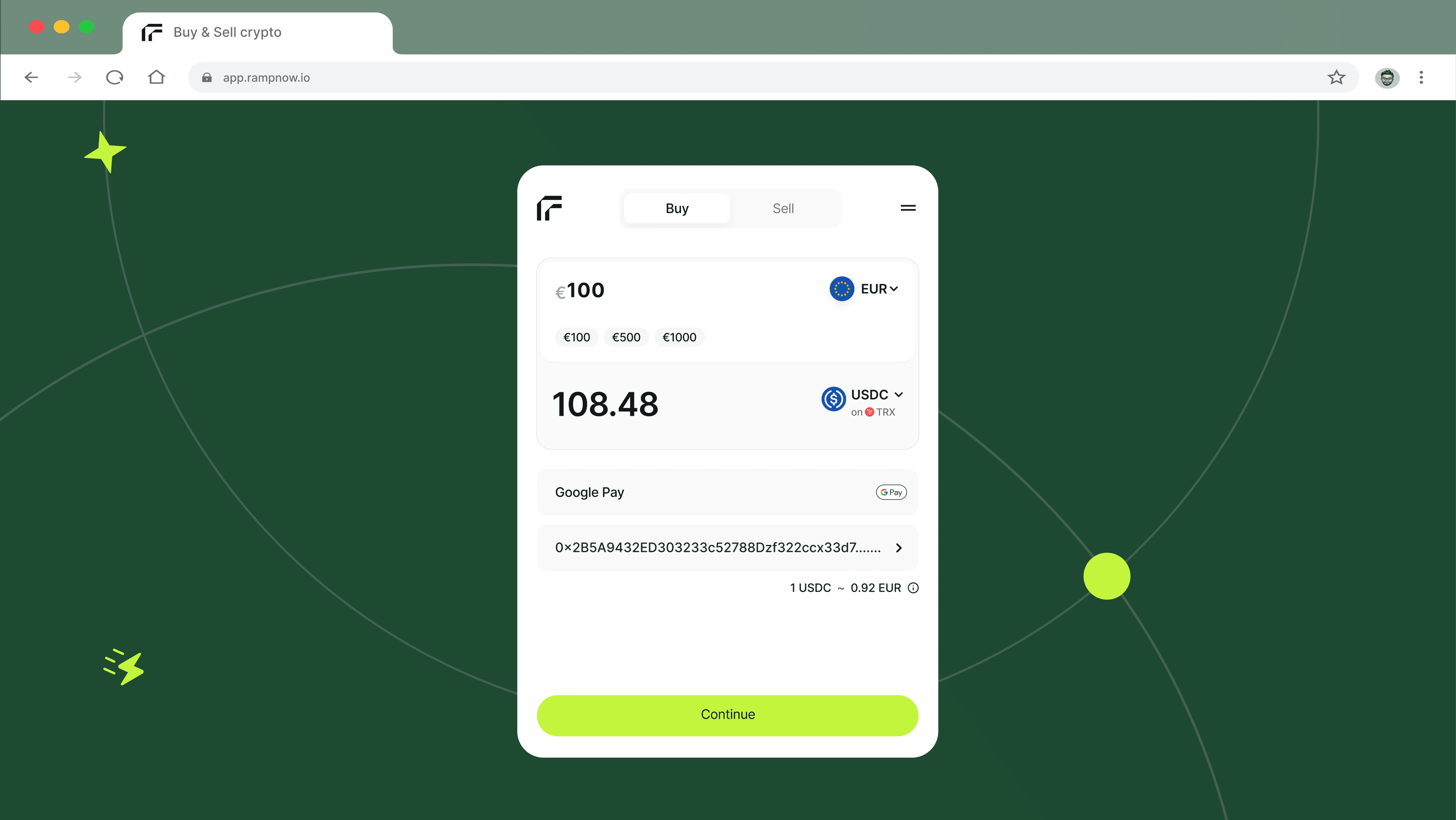
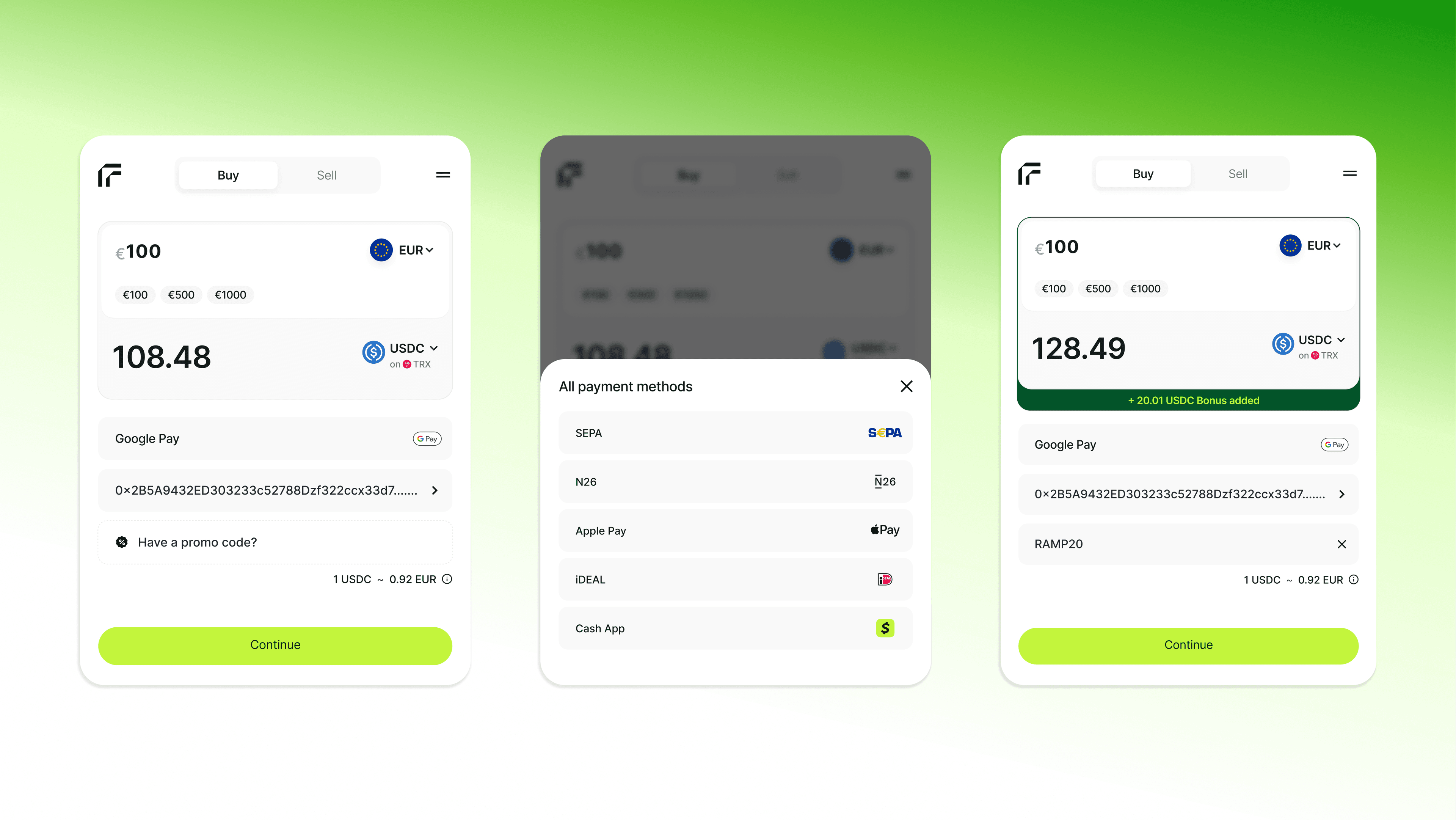
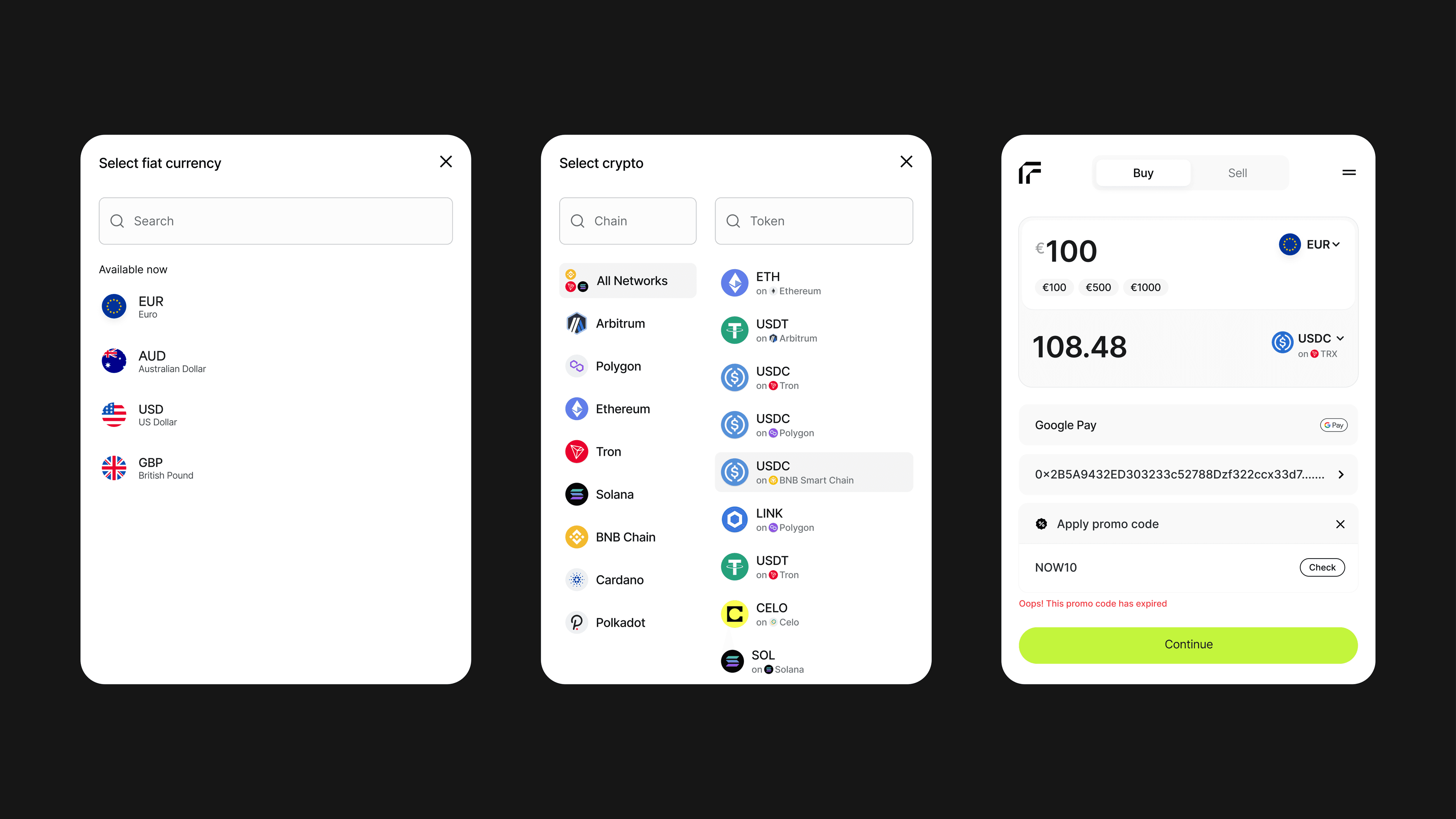
I put the whole order on one screen
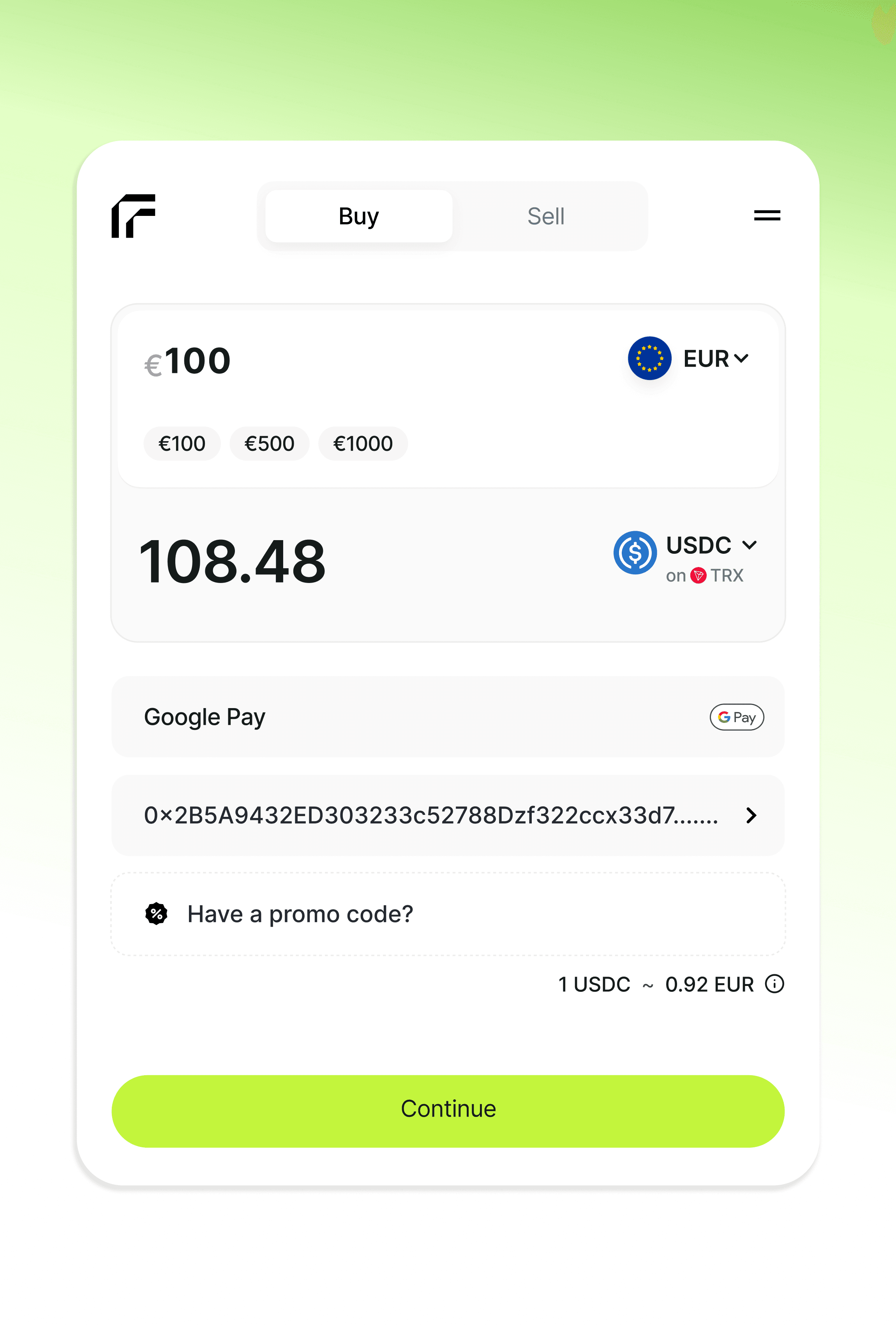
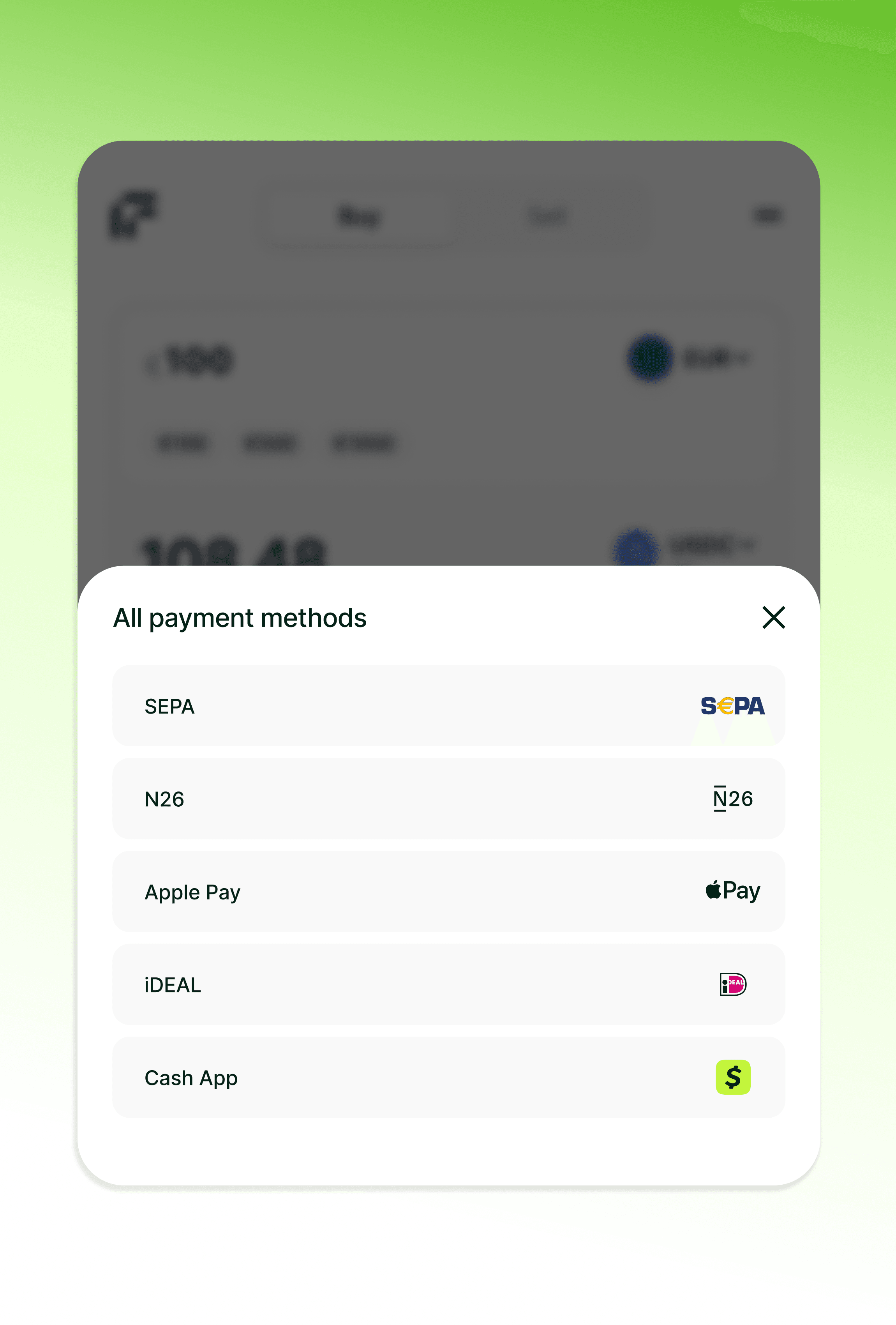
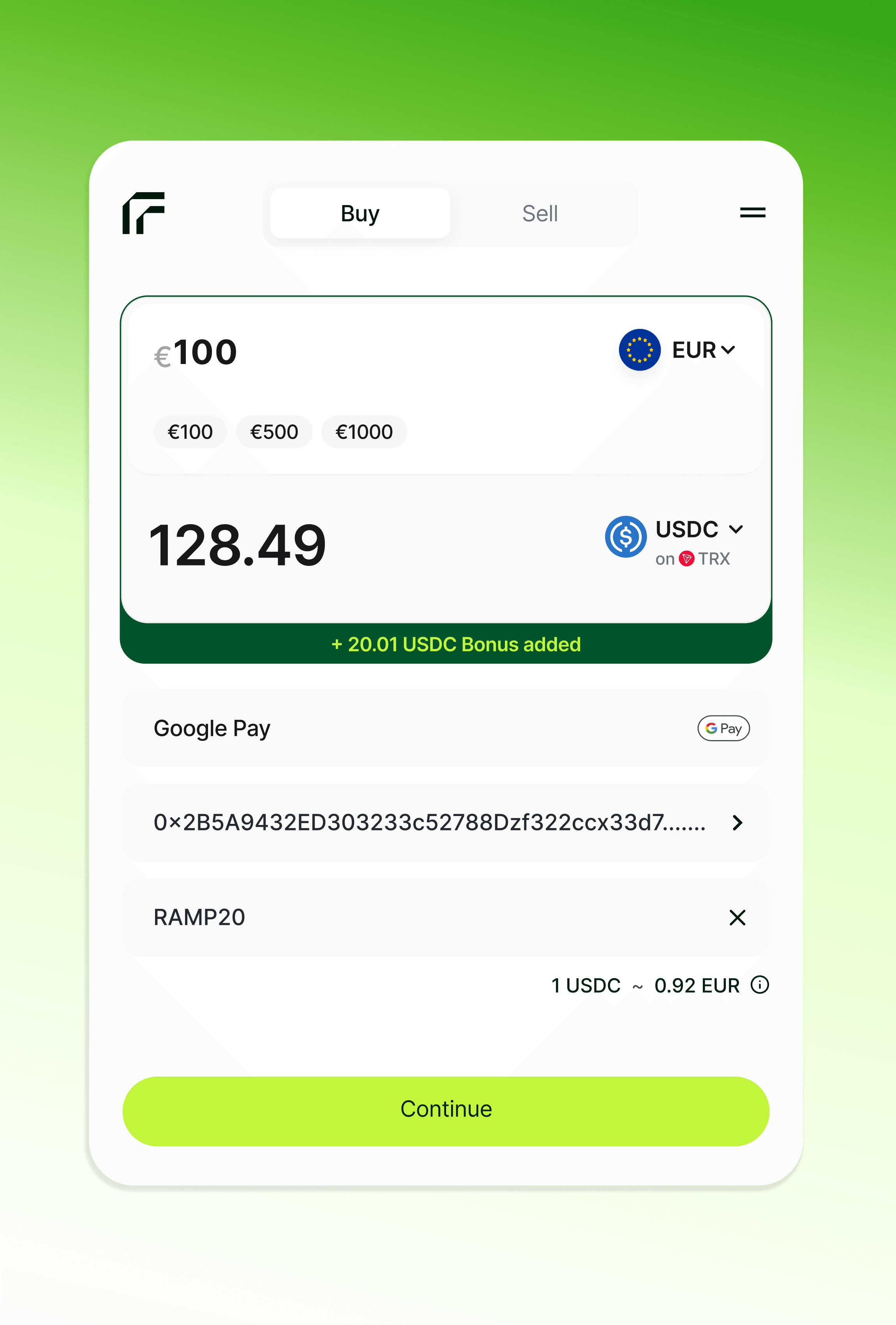
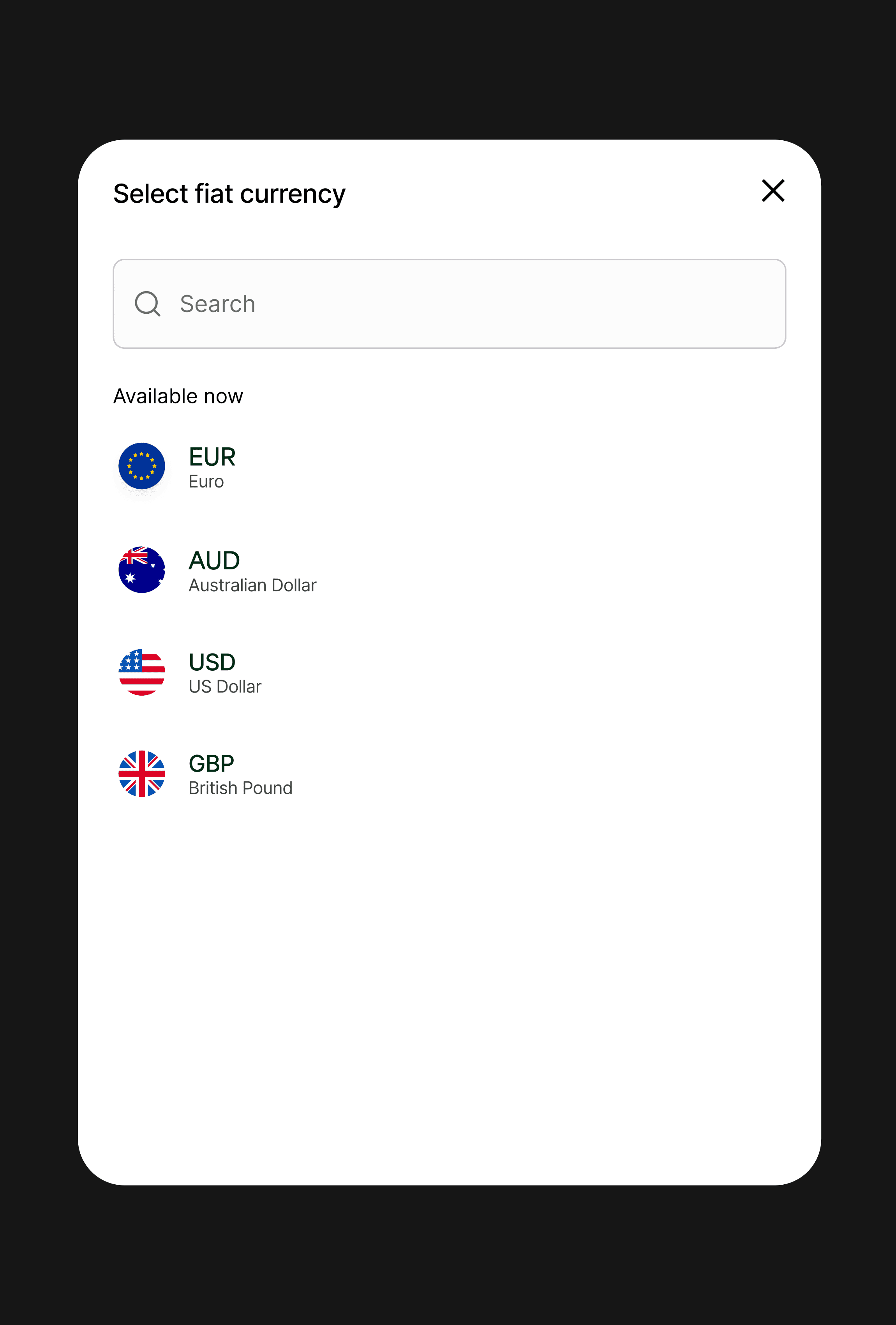
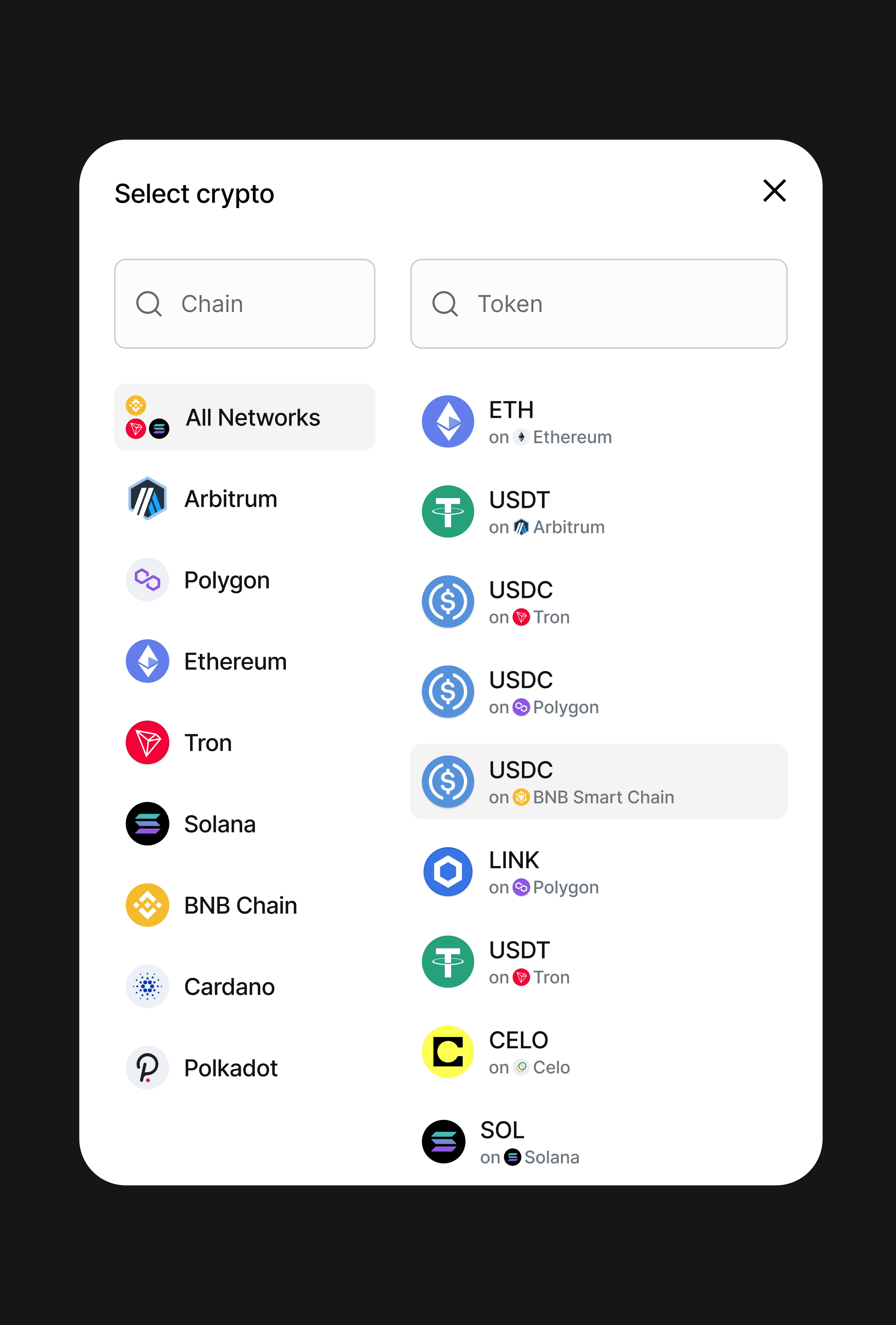
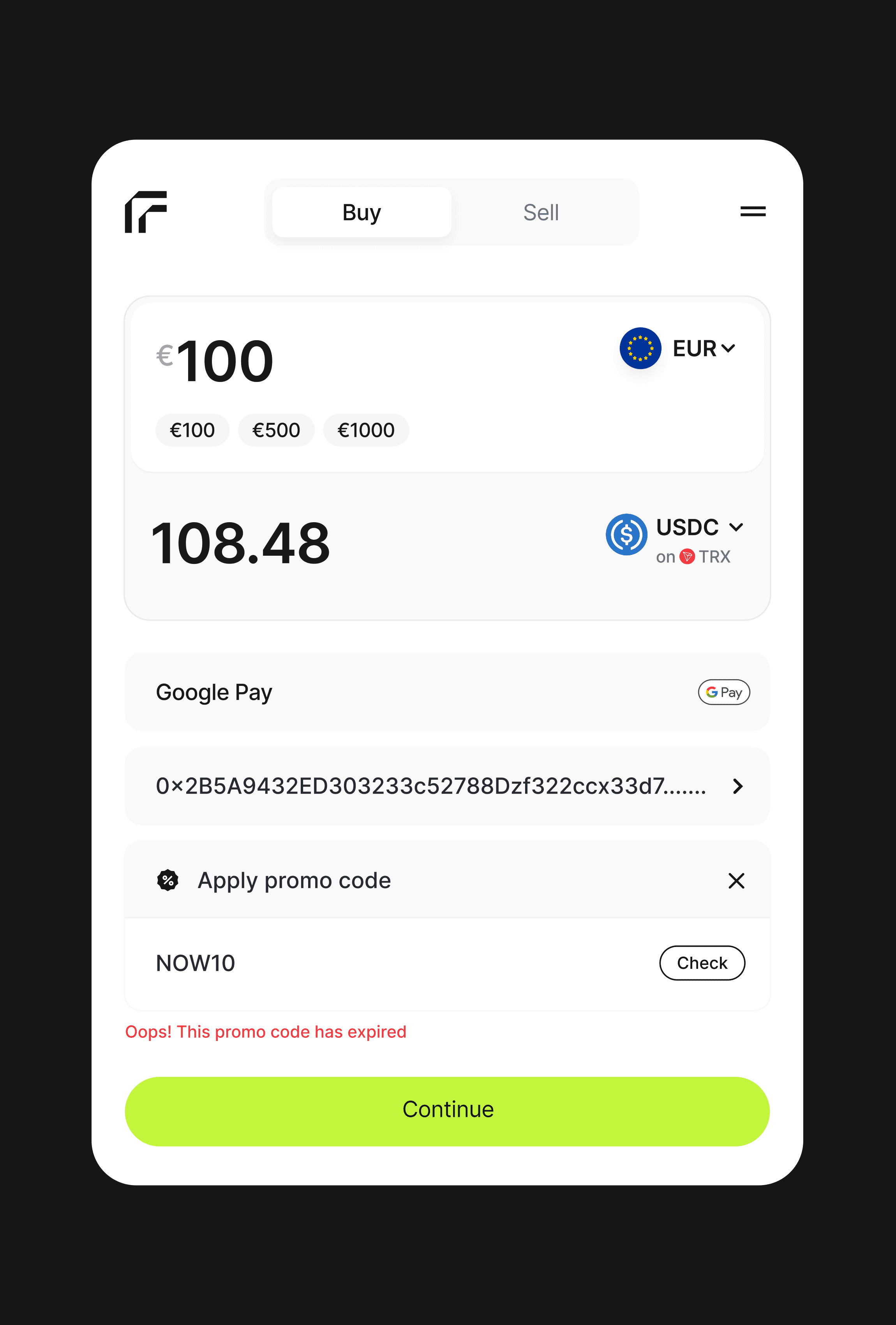
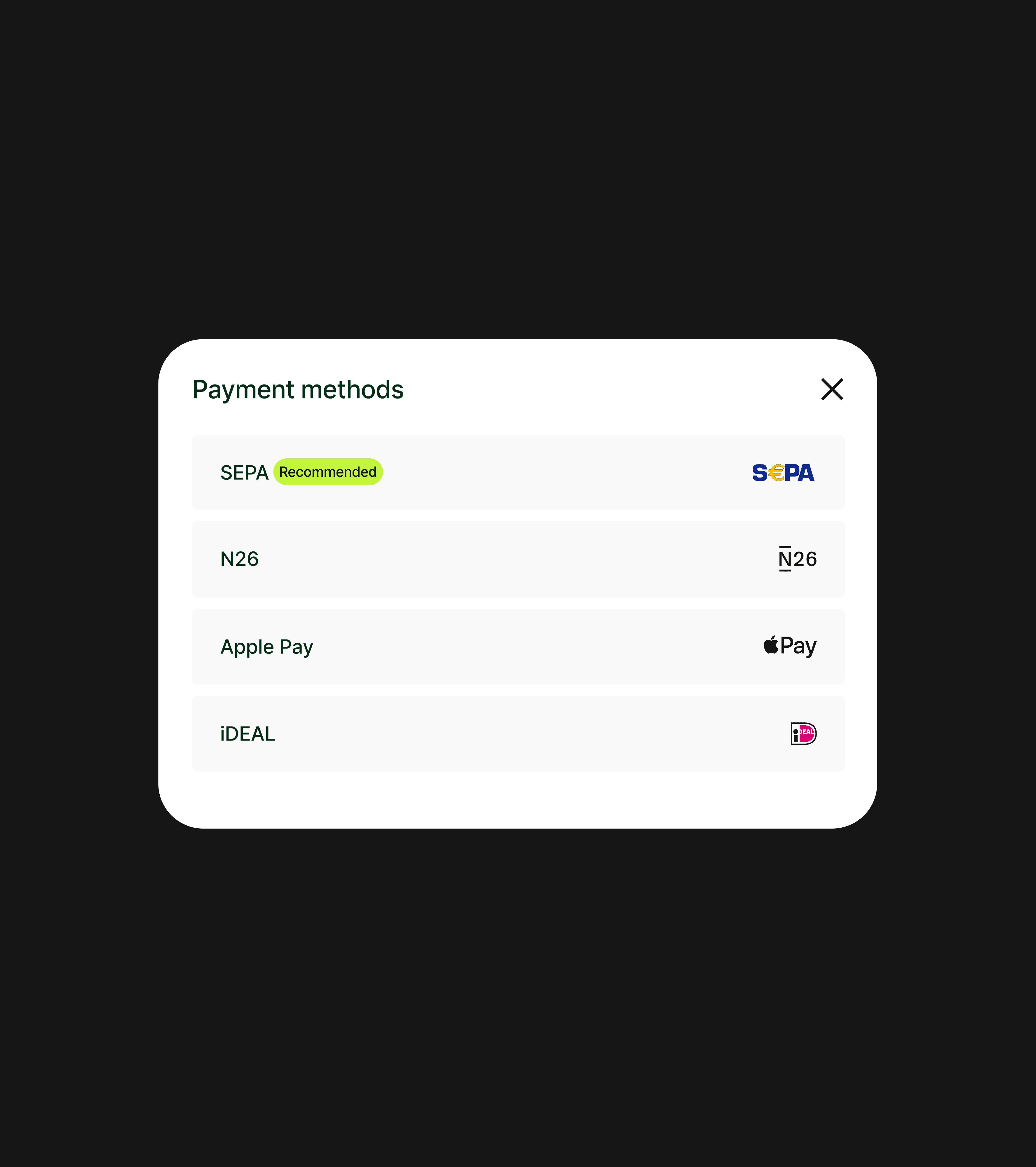
Fees used to show up at the end, and people had few ways to pay. Amount, token, payment method and wallet now sit together, with the rate visible before you continue, and local methods like SEPA and iDEAL, plus Apple Pay, are one tap away.
I considered a step-by-step flow: amount, then token, then payment. I chose one screen, so the rate and the fee stay in view the whole time.
On-ramp · Verification
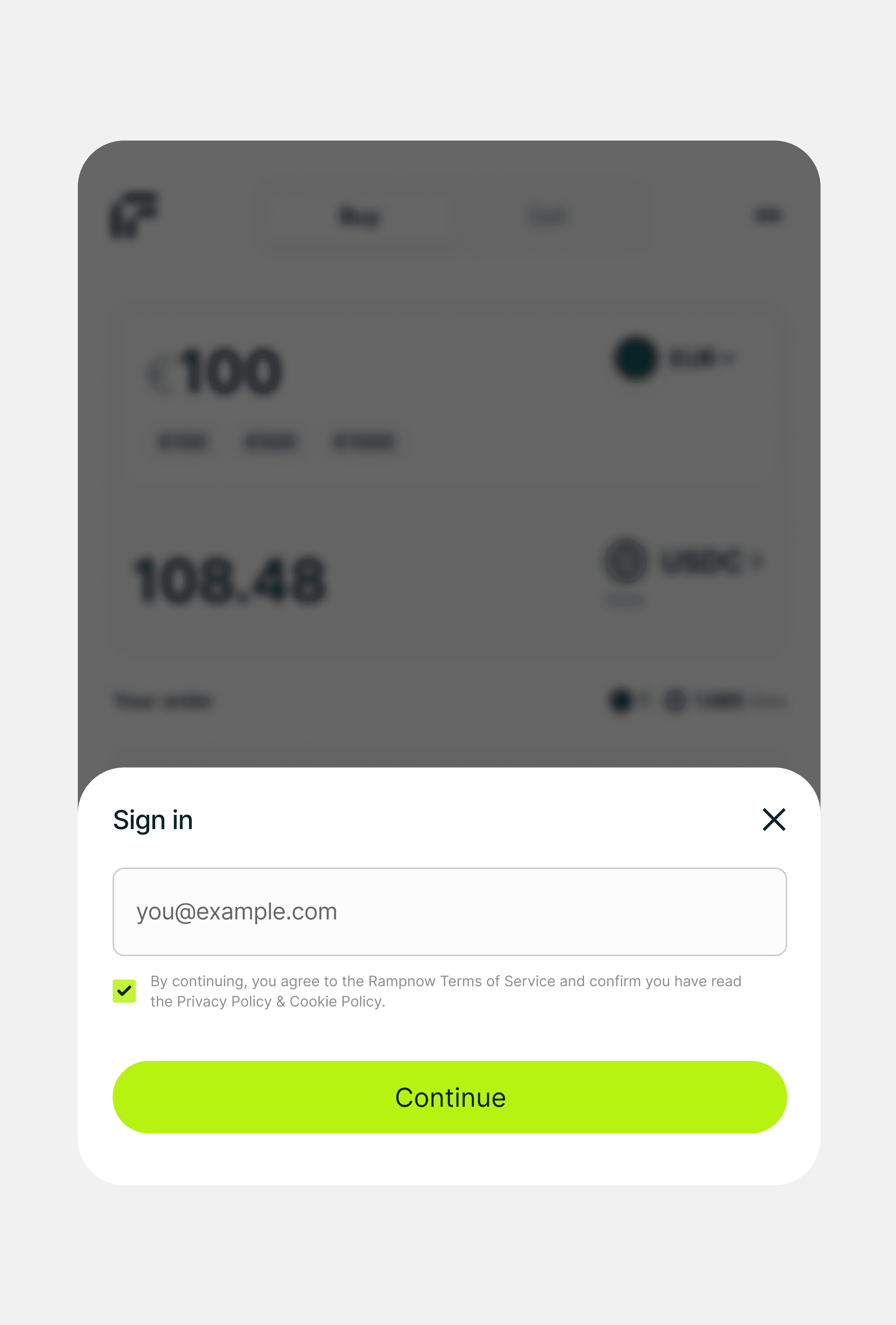
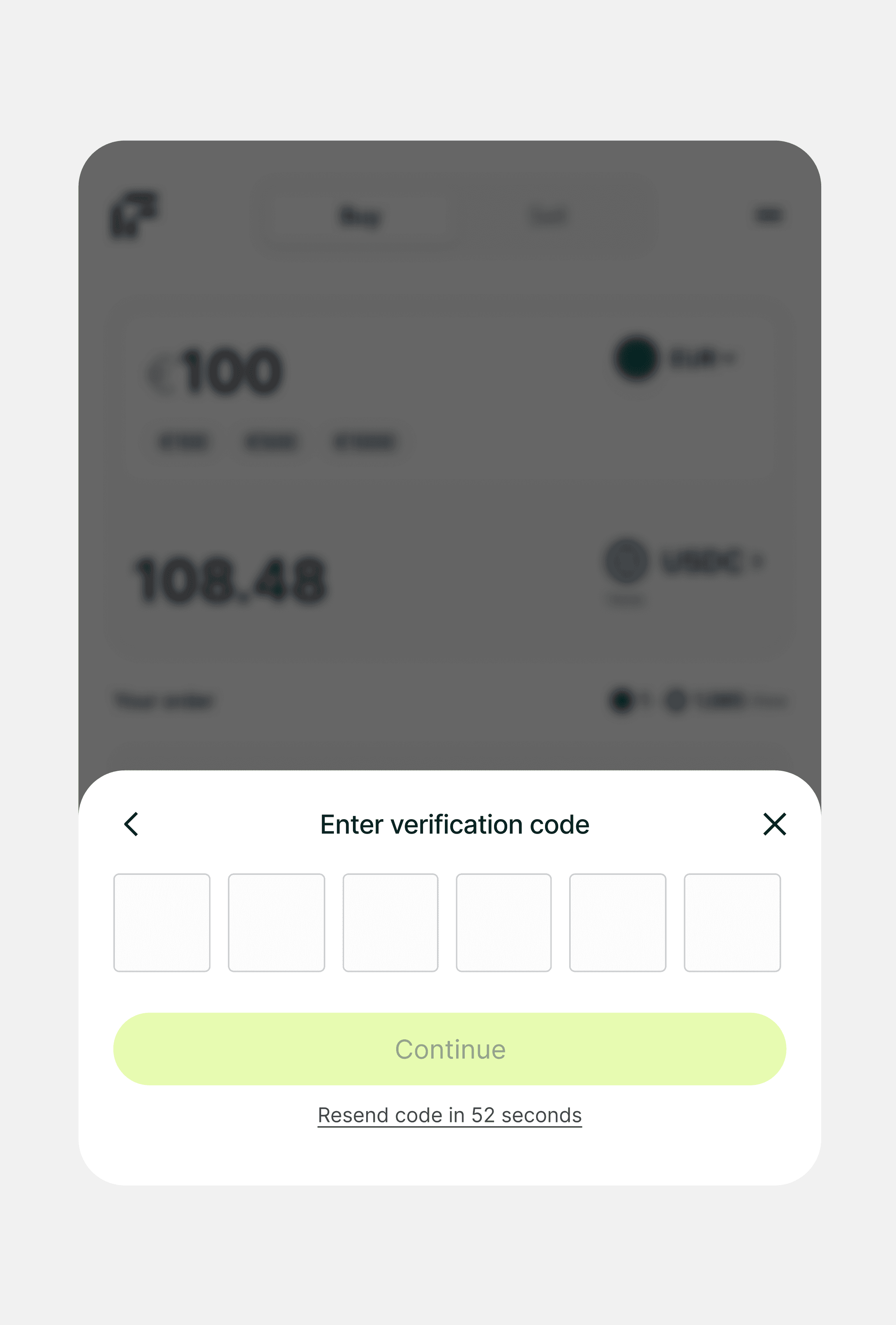
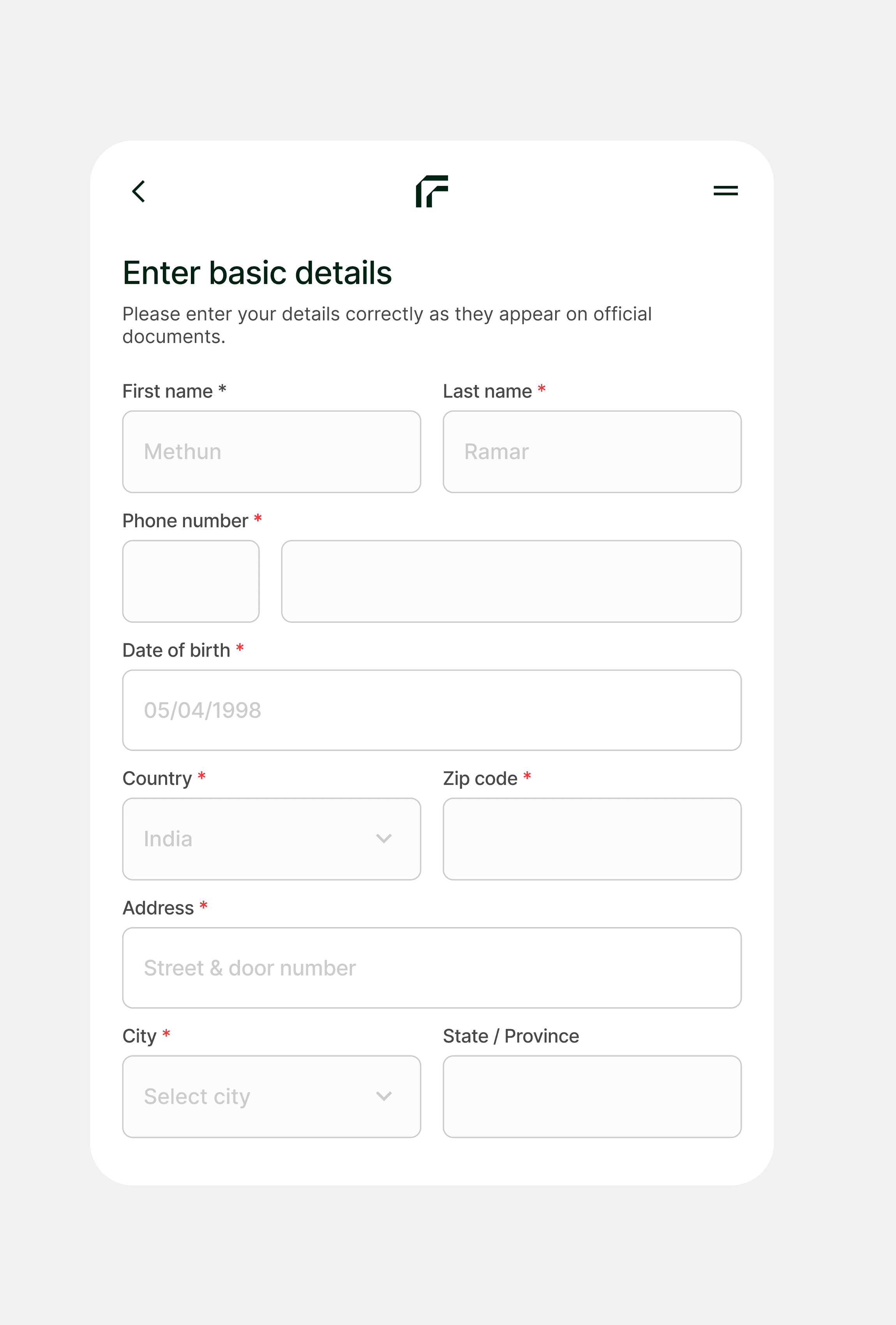
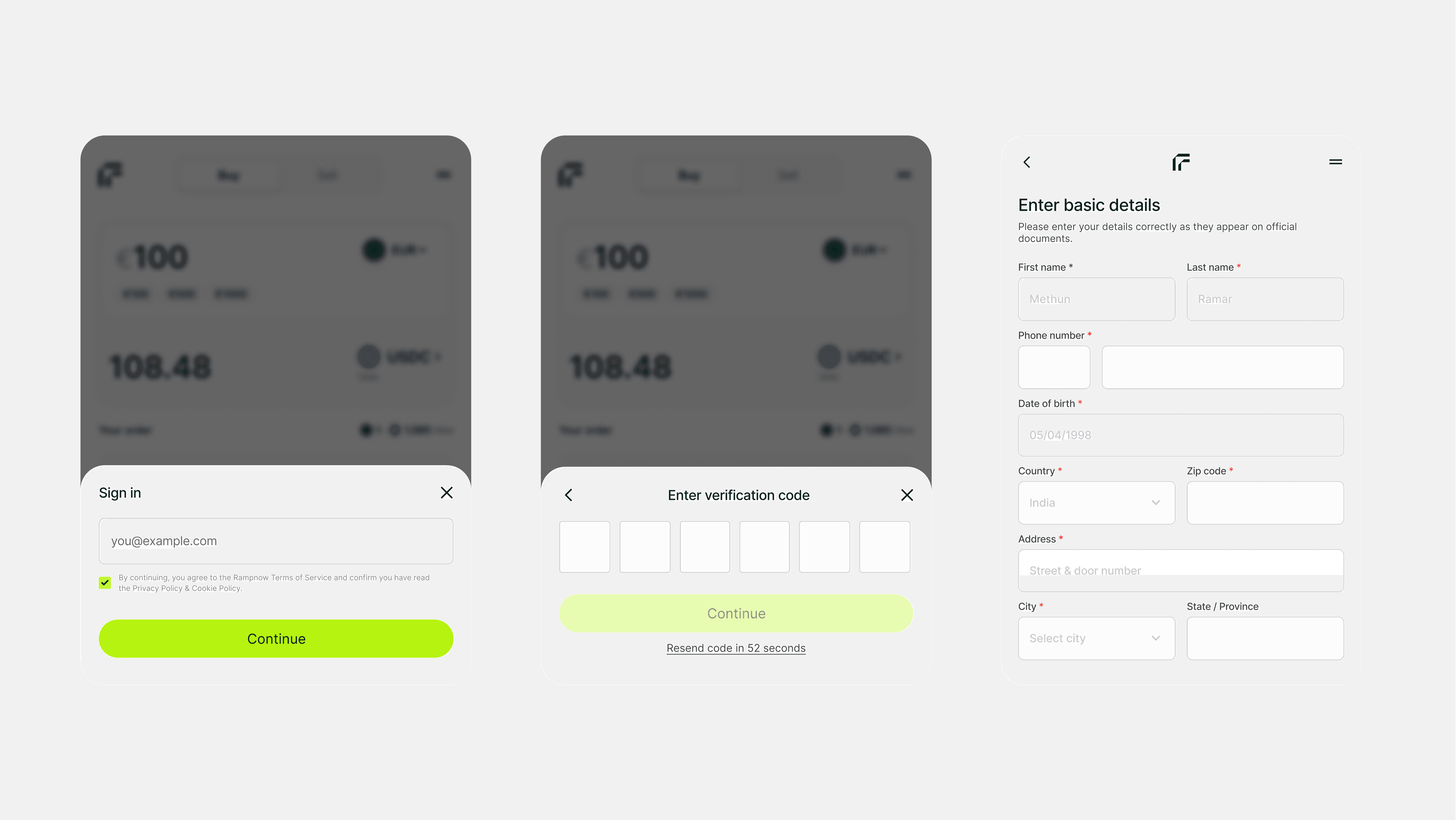
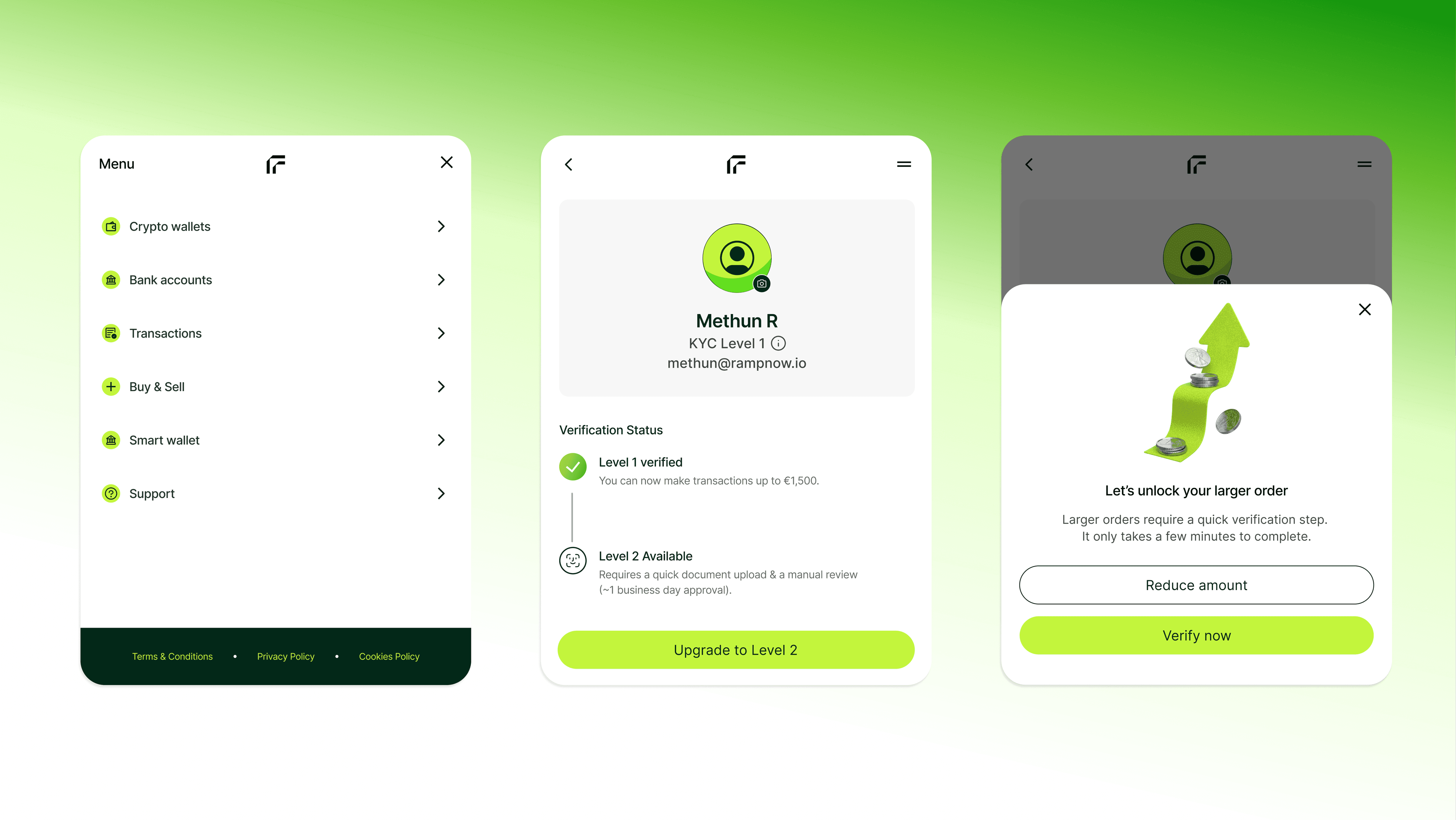
No ID needed for a first order
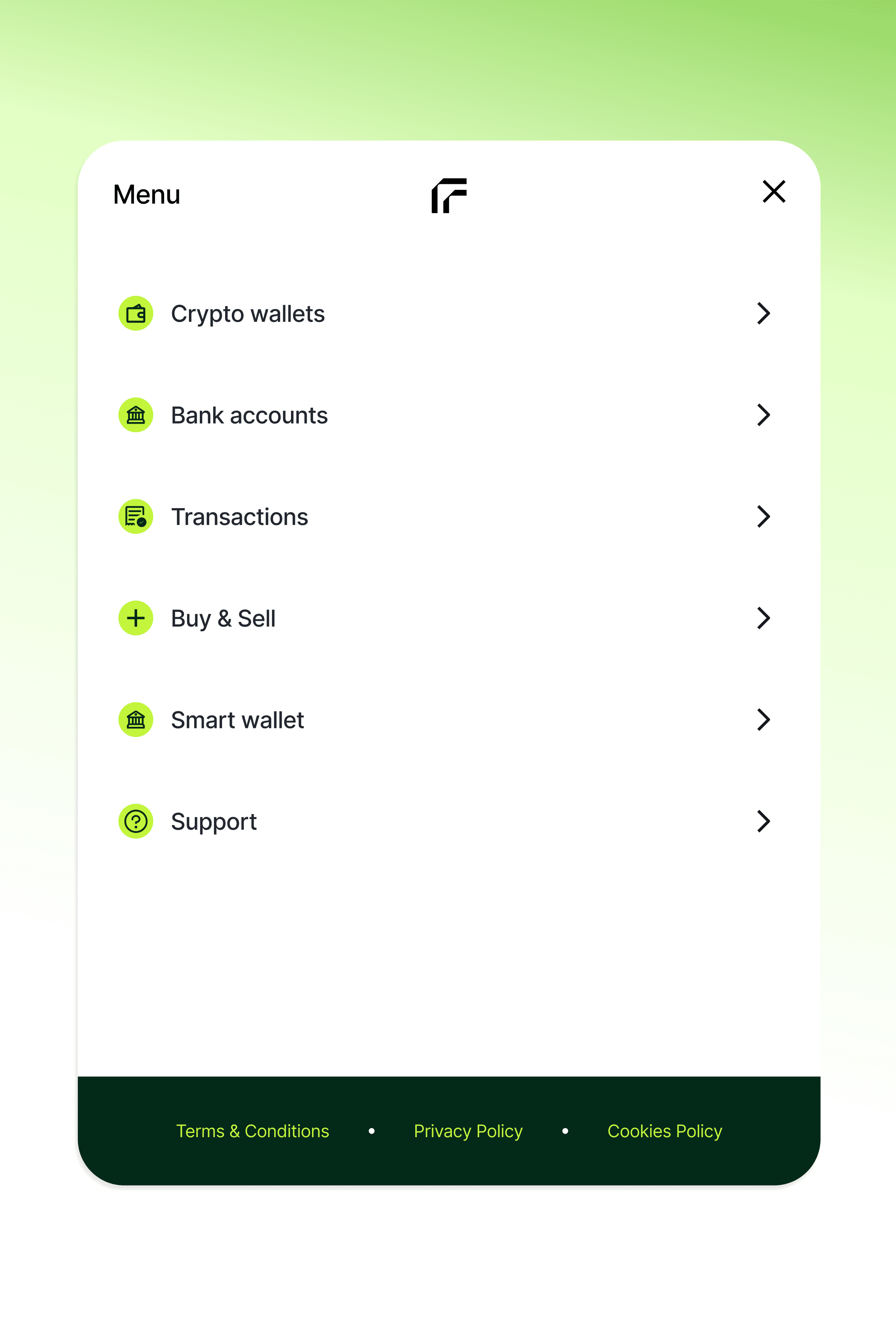
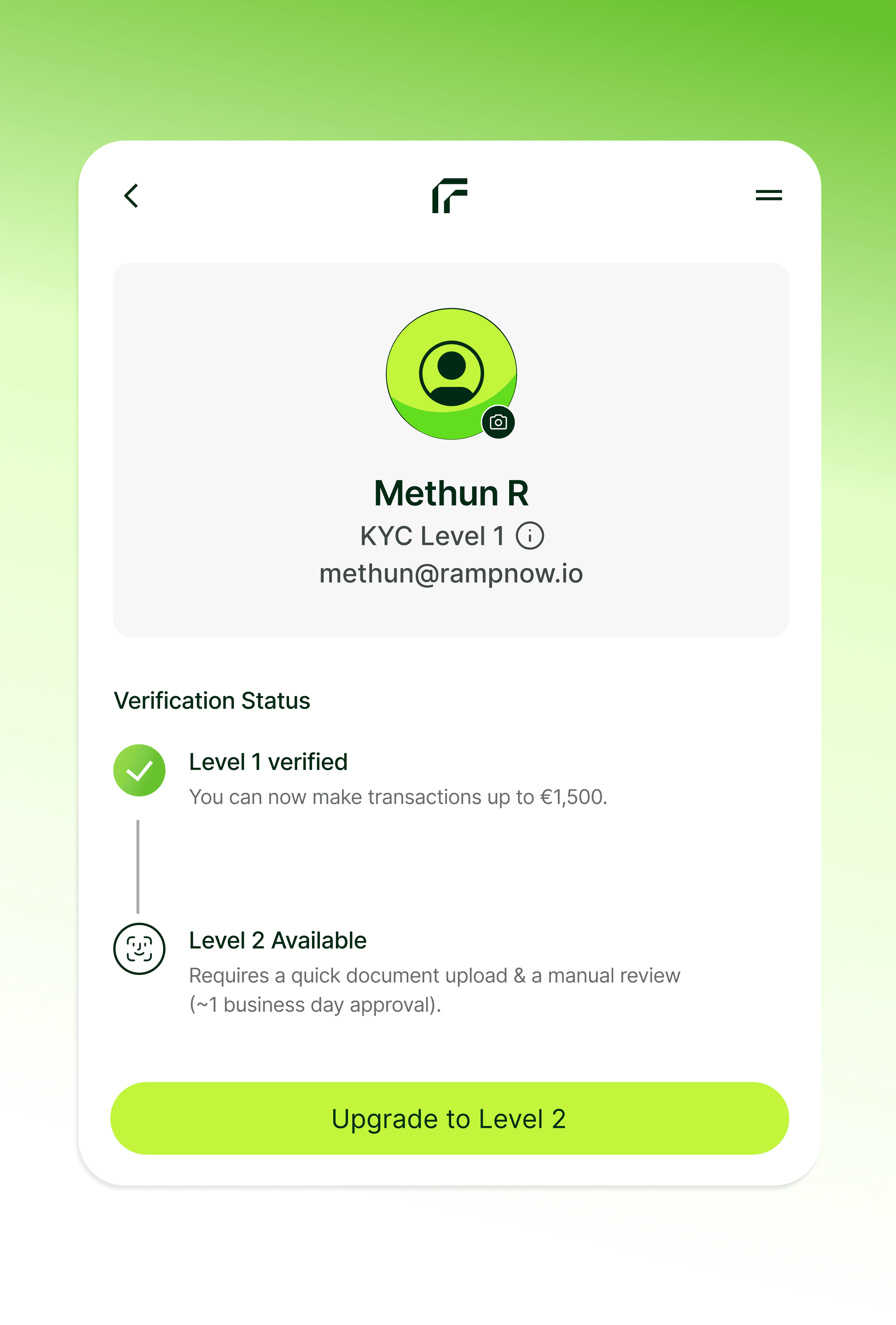
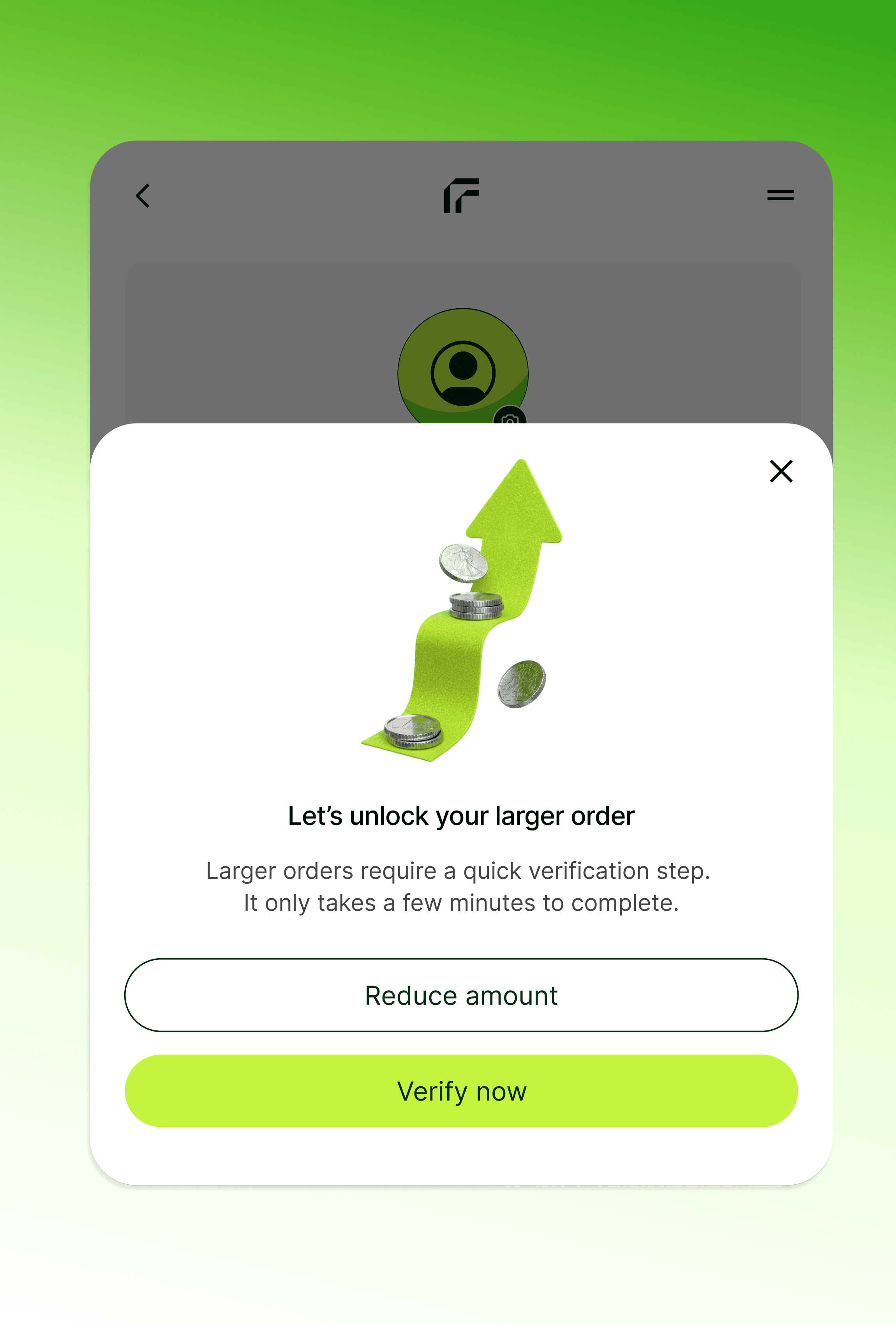
Slow verification came up often in interviews and reviews. Sign in with an email and a one-time code, start with basic details, and an ID check with Sumsub unlocks higher limits only when you need them. If an order goes over your limit, the widget offers to verify now or lower the amount.
I considered asking for ID up front. I chose basic details first, because a first order shouldn't wait on documents.
On-ramp · Checkout
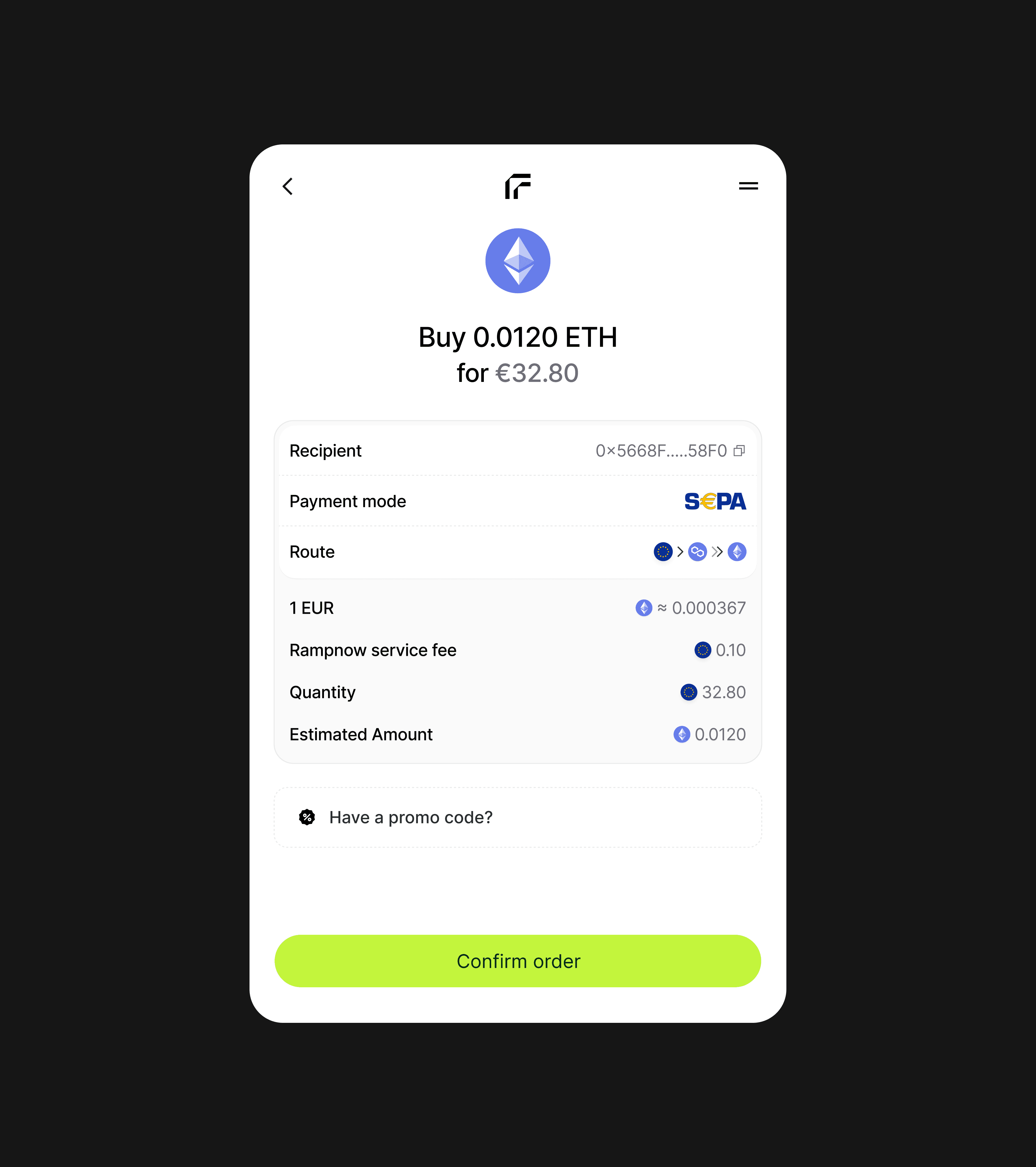
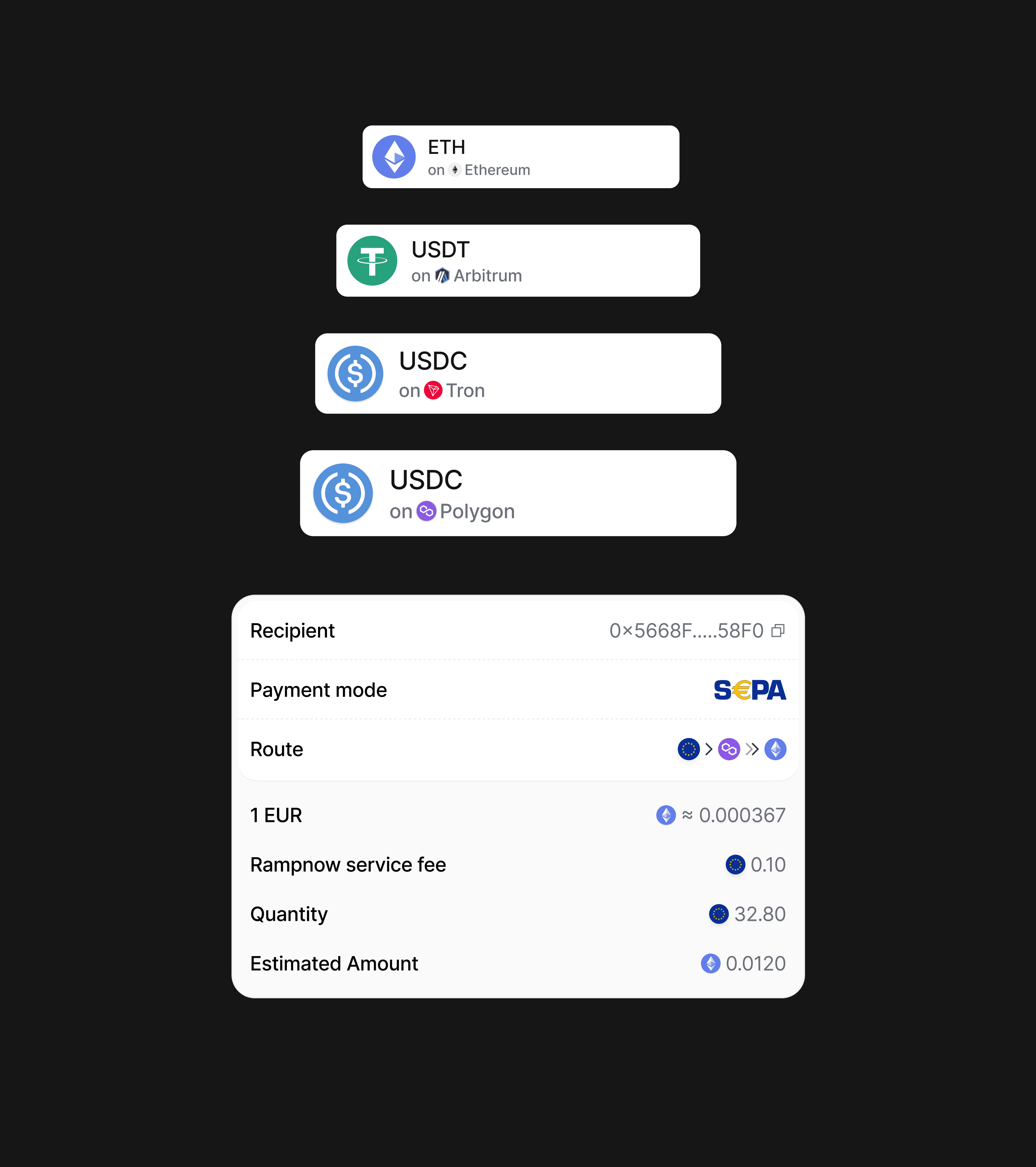
The fee shows before you pay
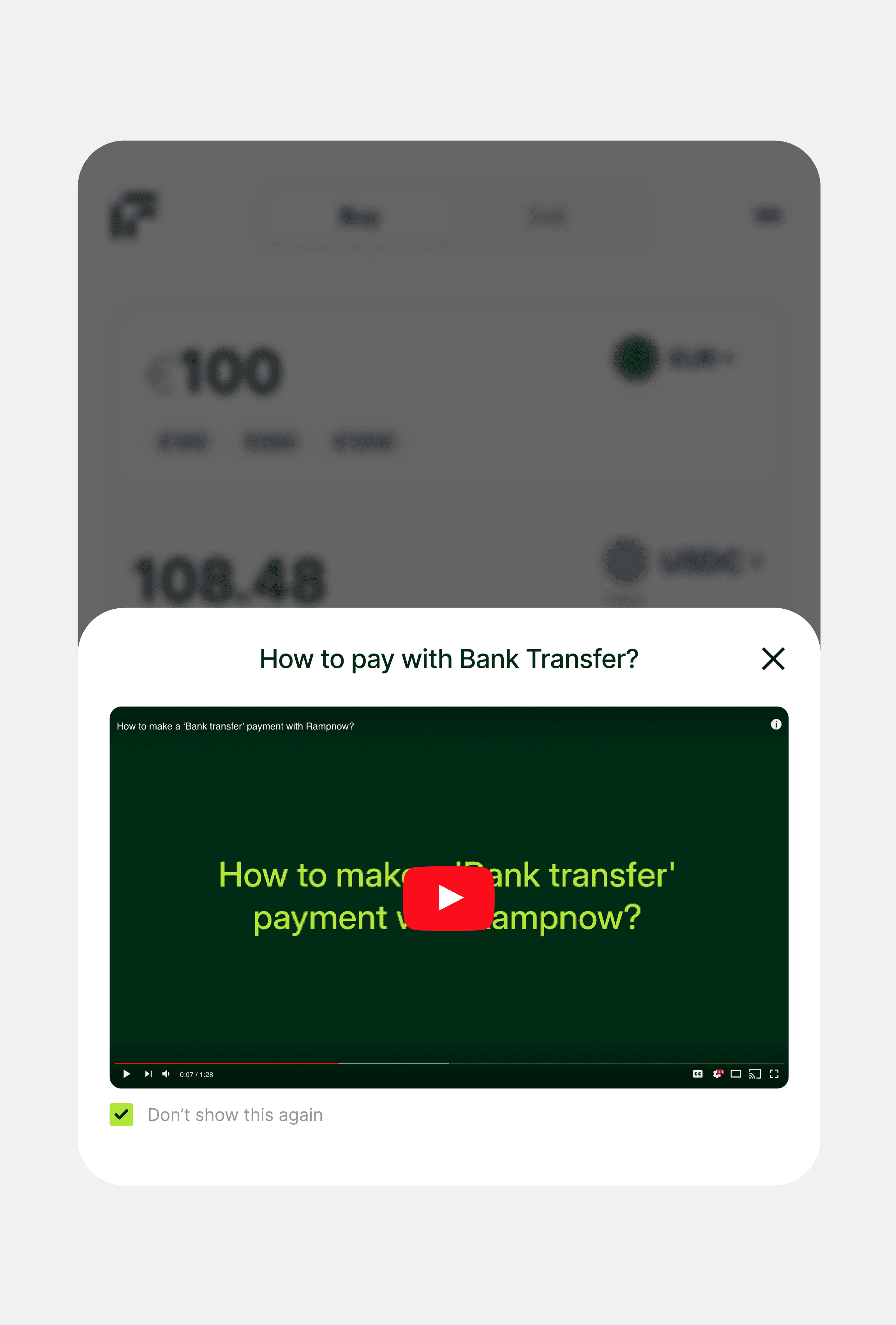
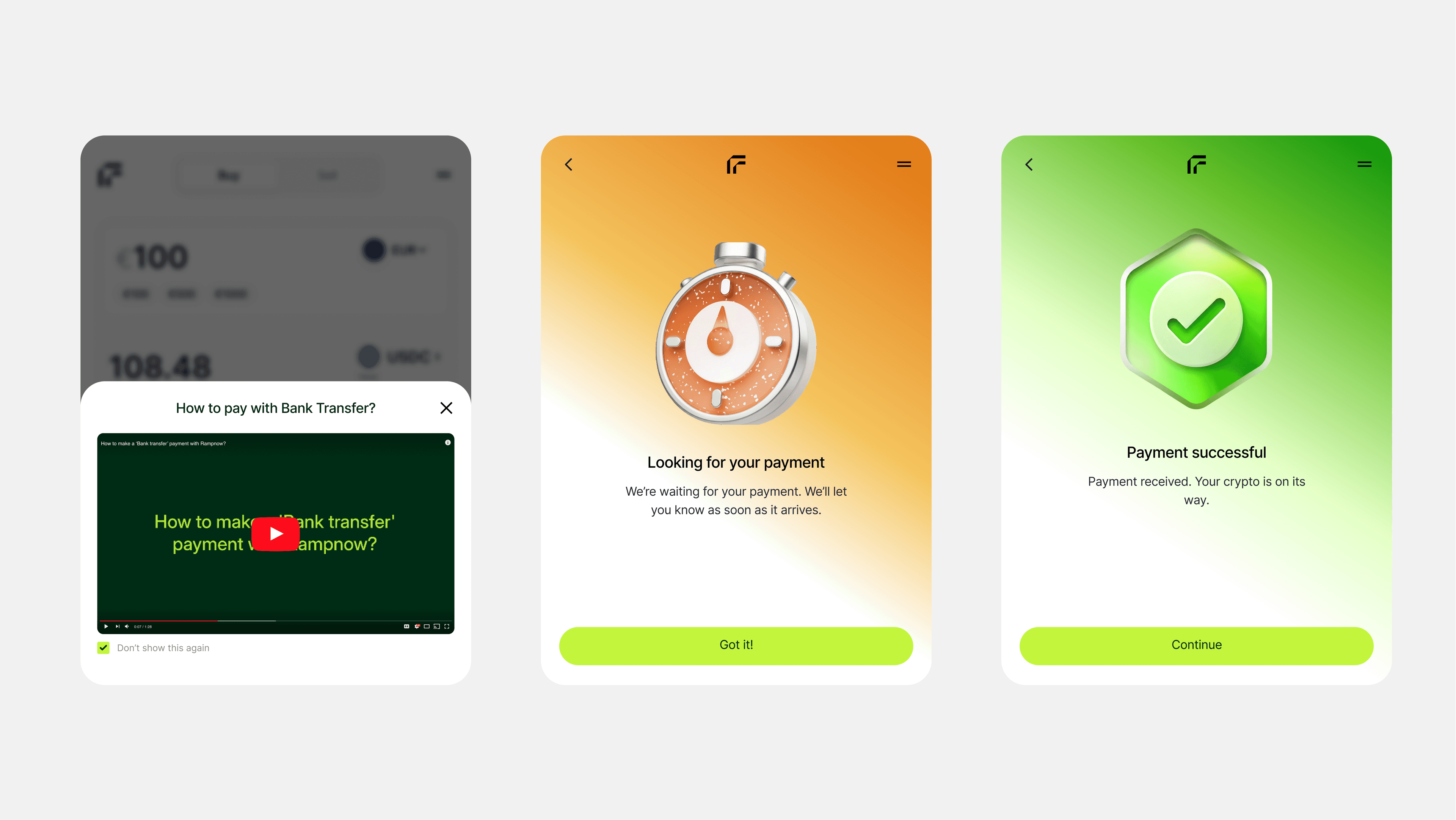
The summary lists the fee, the route and what you'll receive, and a short video walks first-timers through bank transfers.
On-ramp · Failed payment
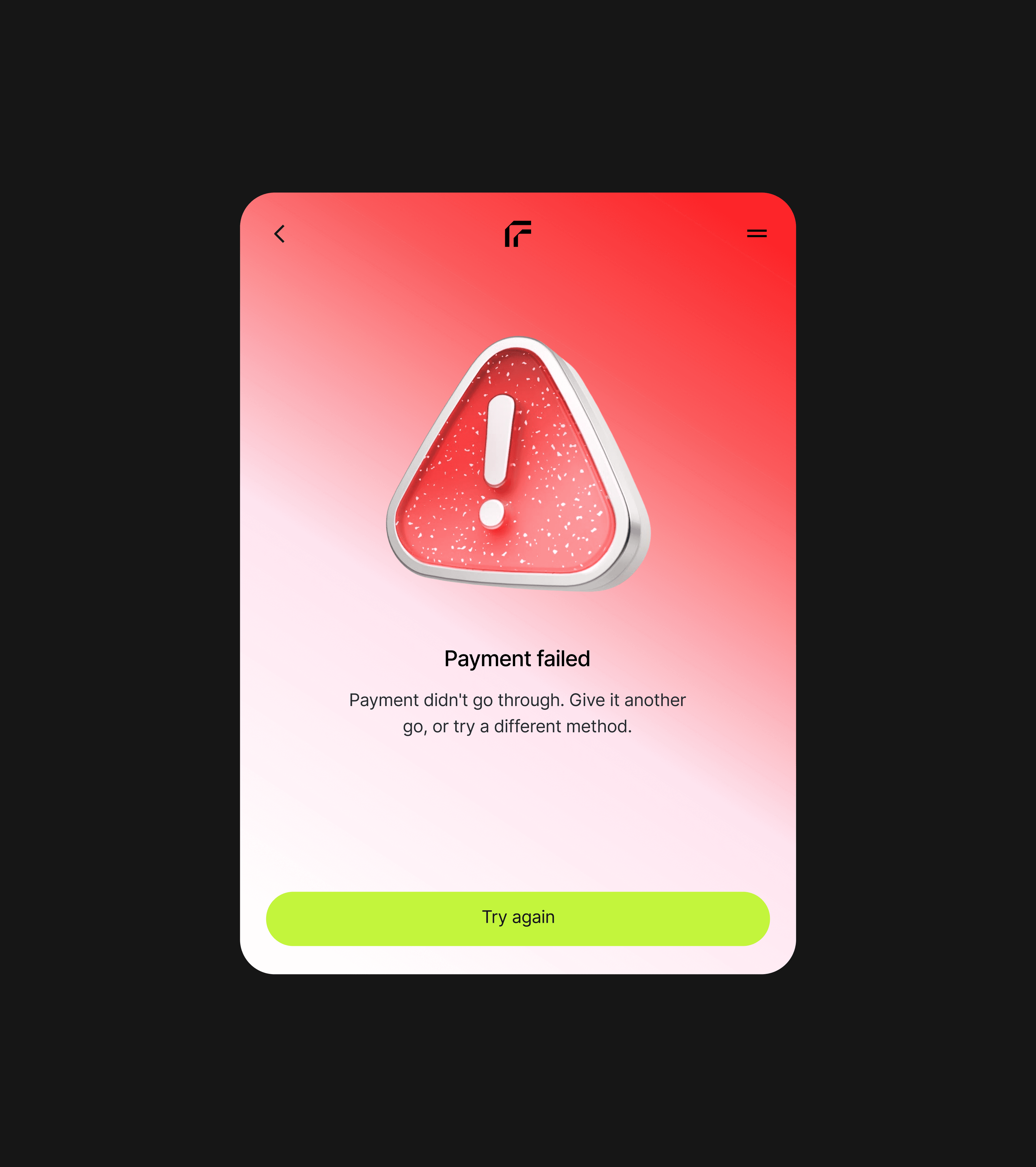
A declined card no longer ends the order
People told us a failed payment was a dead end. Now you can try again or switch method without rebuilding the order.
I considered sending people back to the start with their order saved. I chose to keep them on the order, so a declined card costs a tap, not a new order.
On-ramp · Tracking
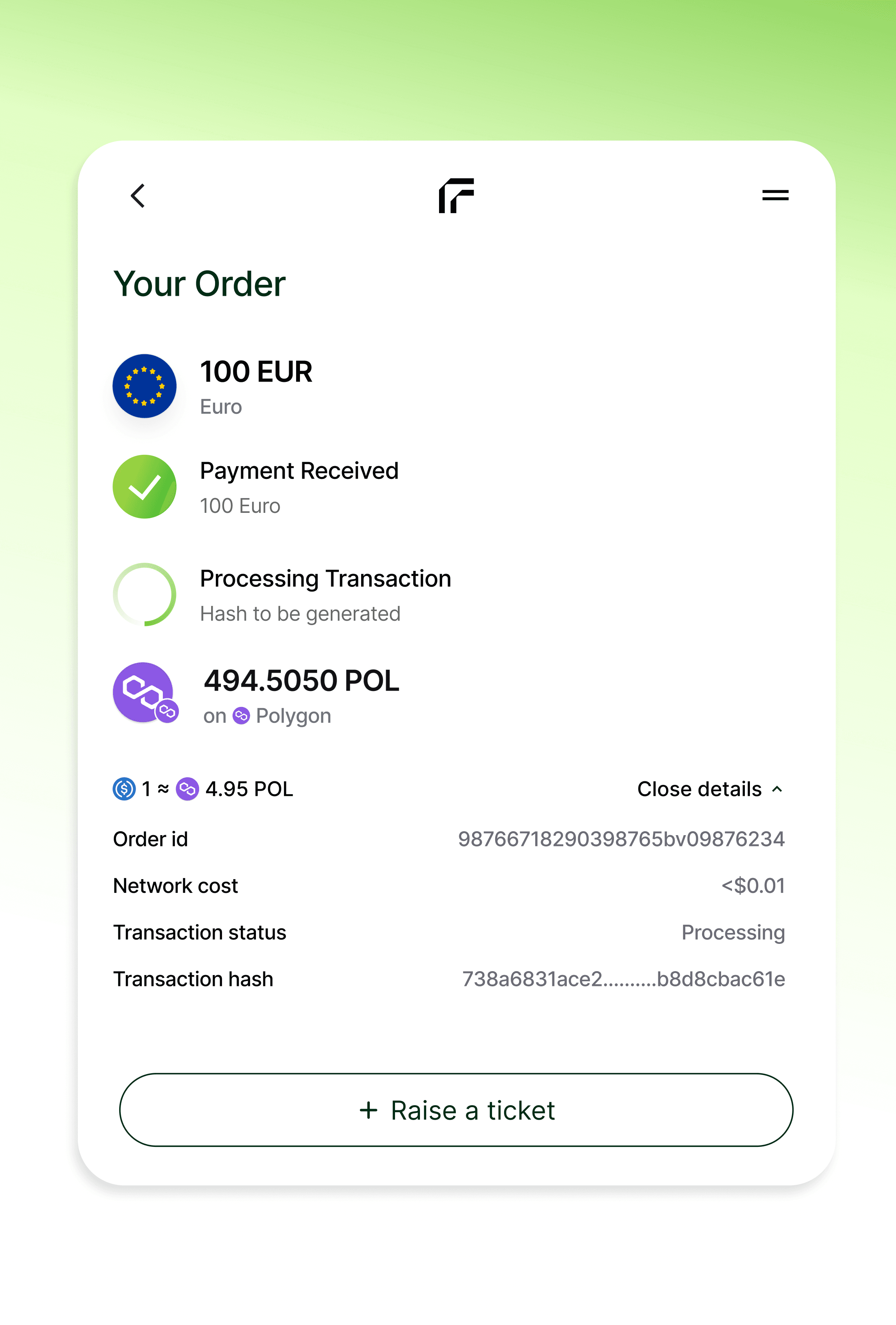
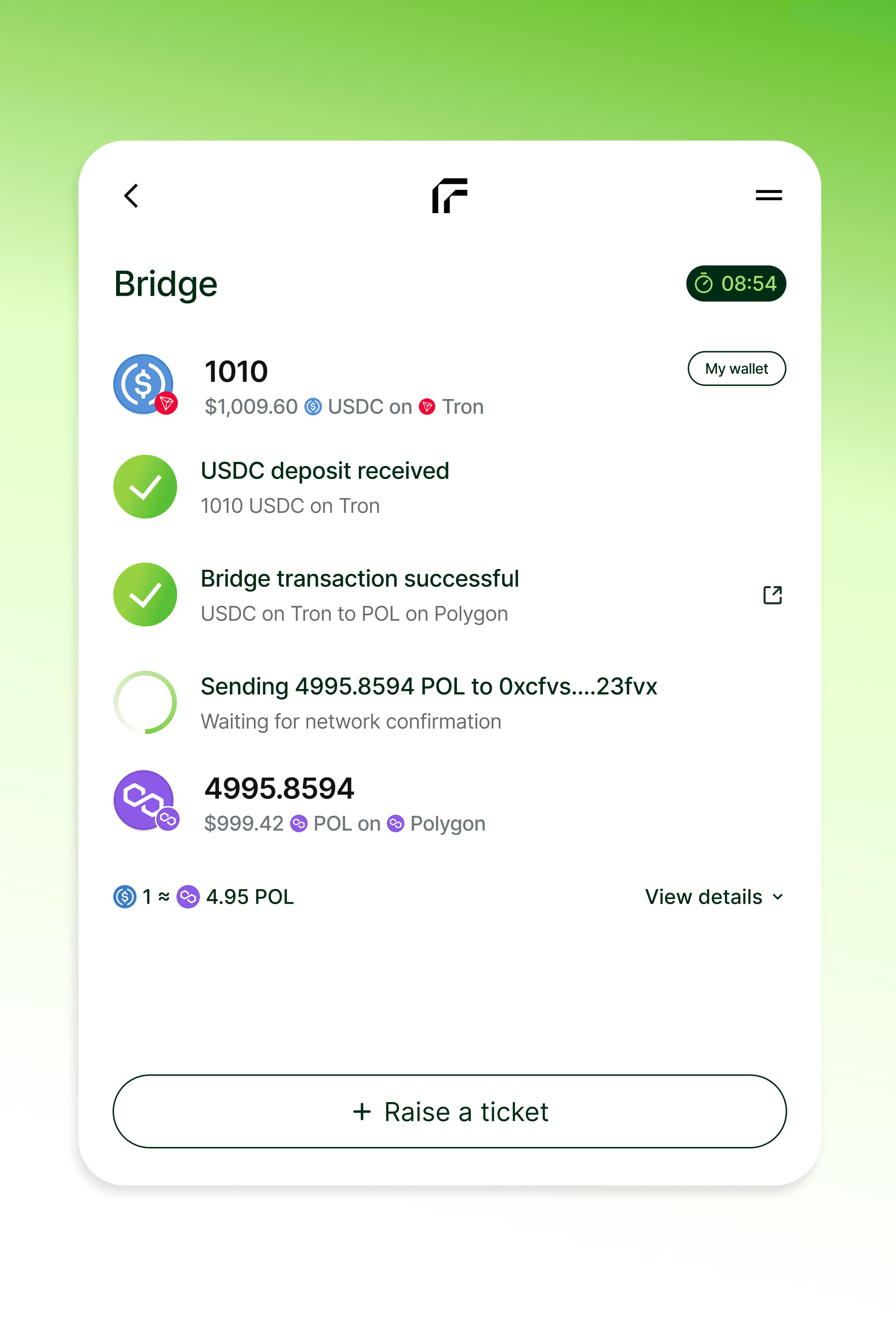
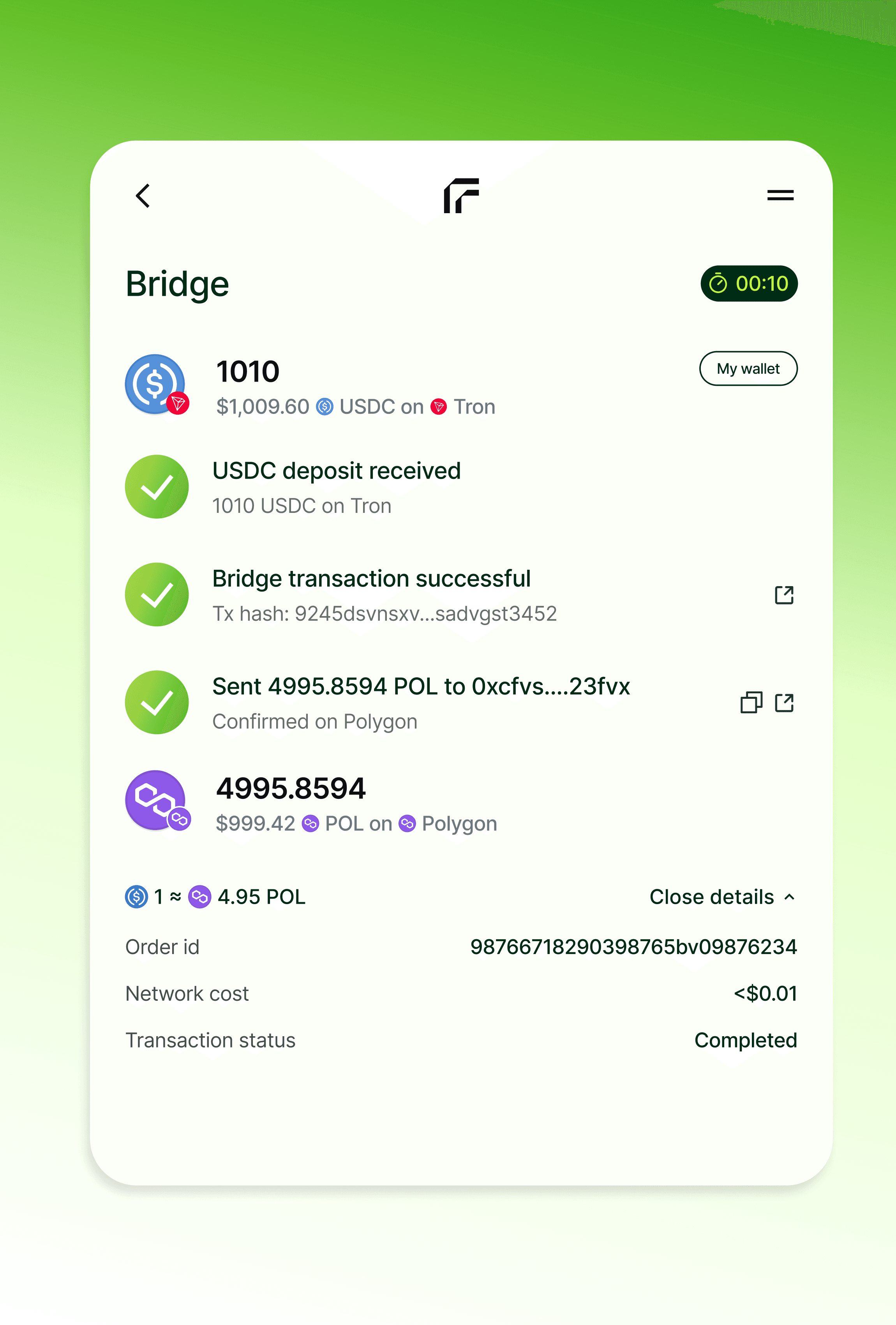
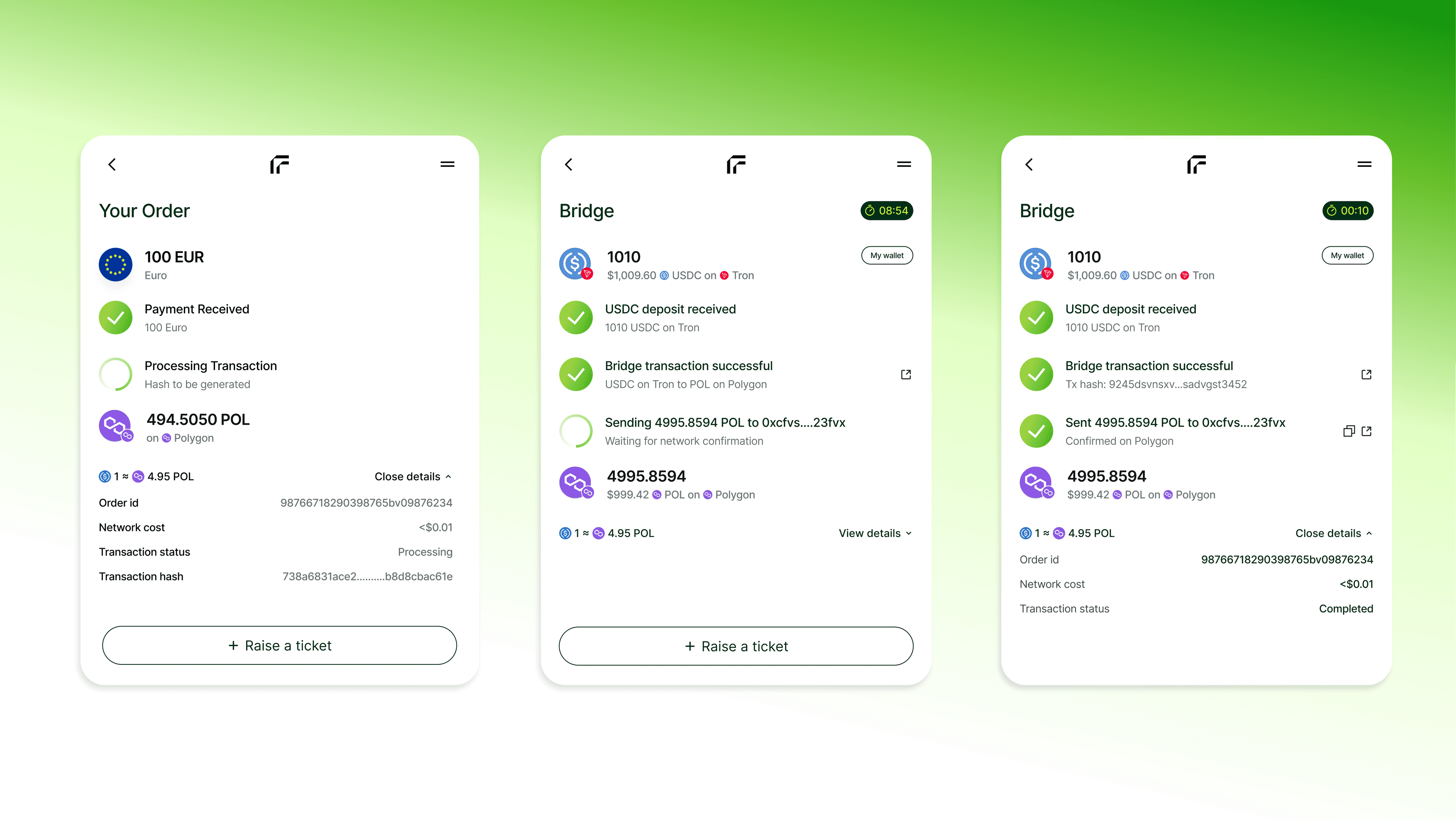
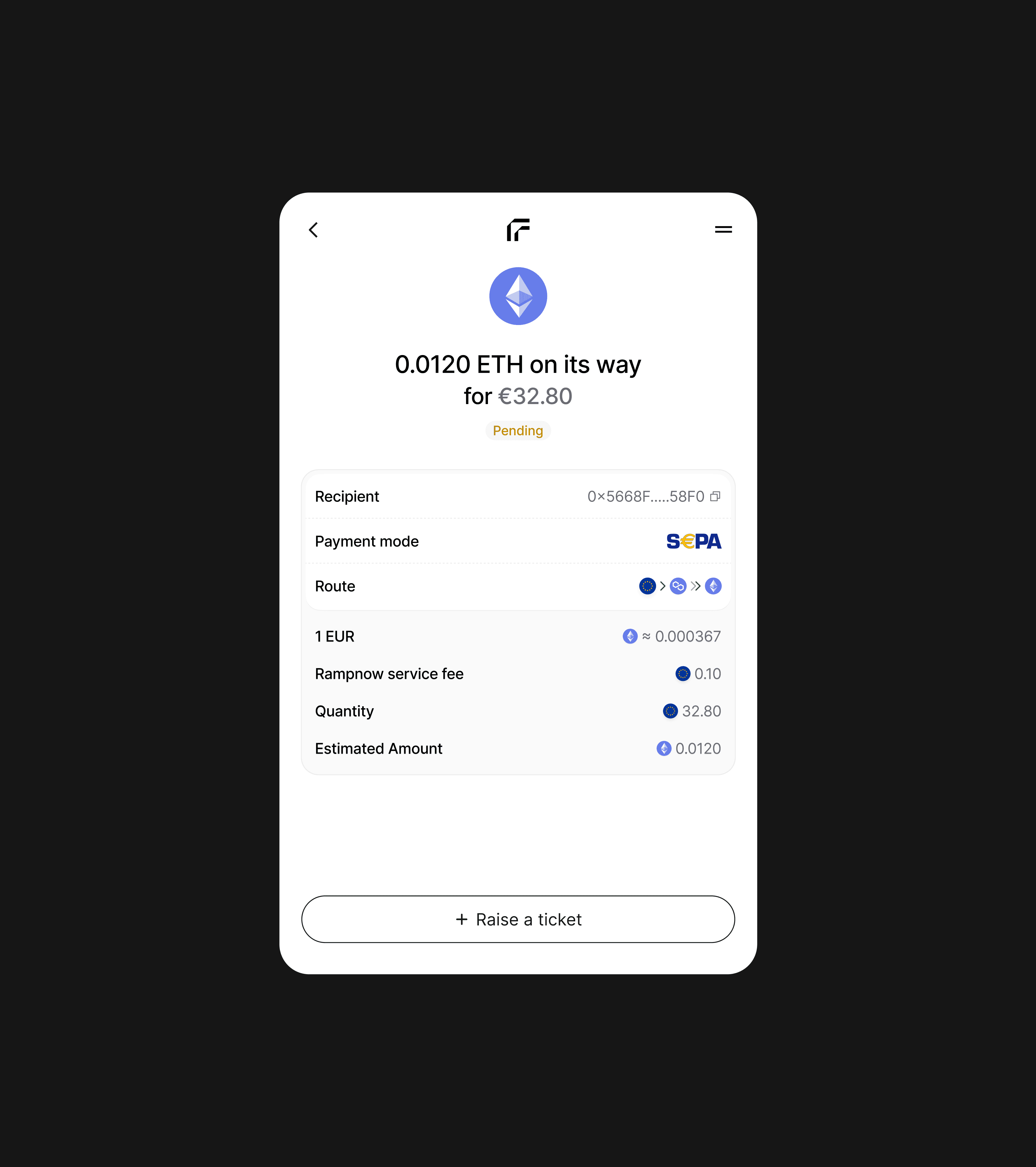
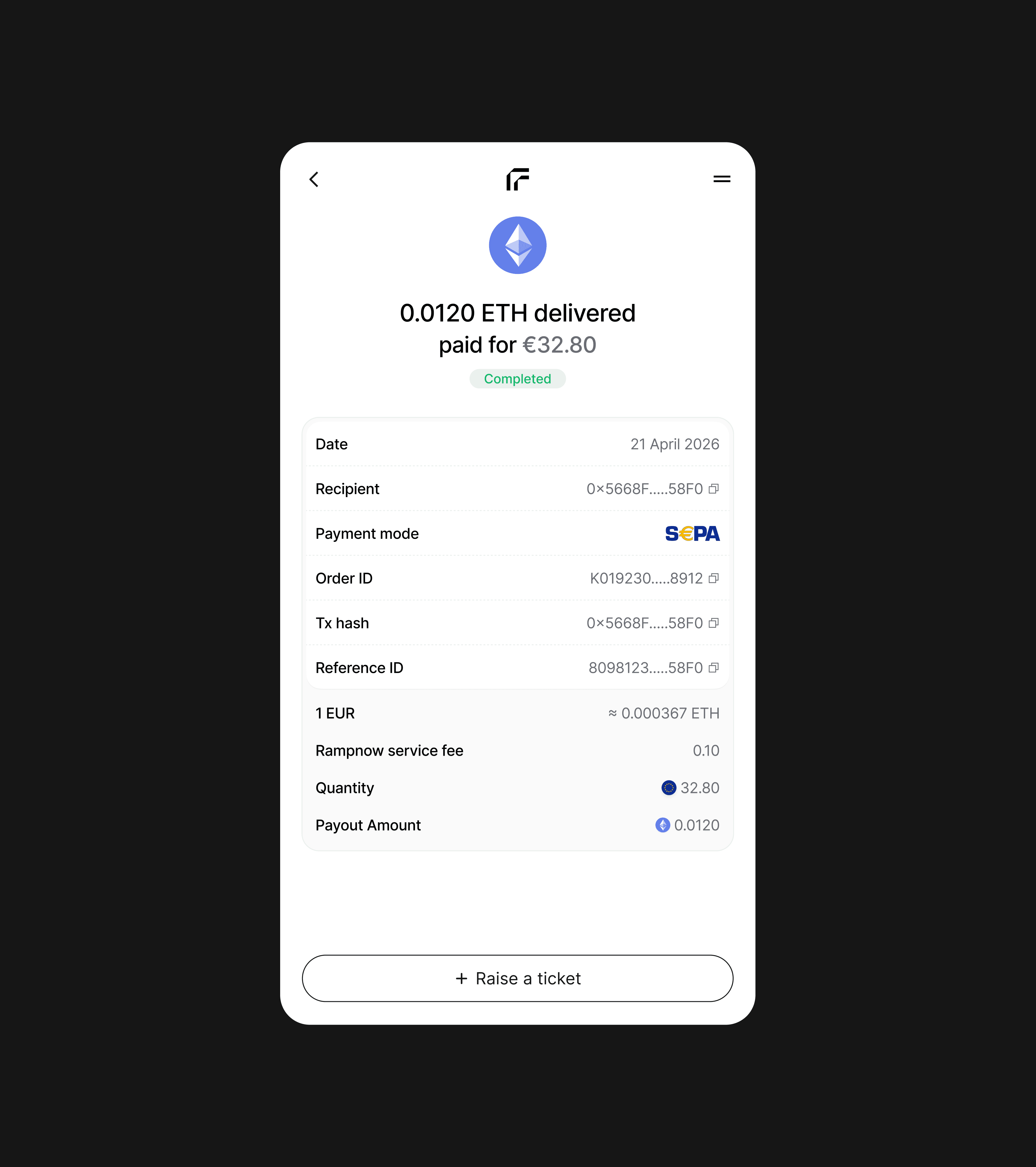
You can always see where your crypto is
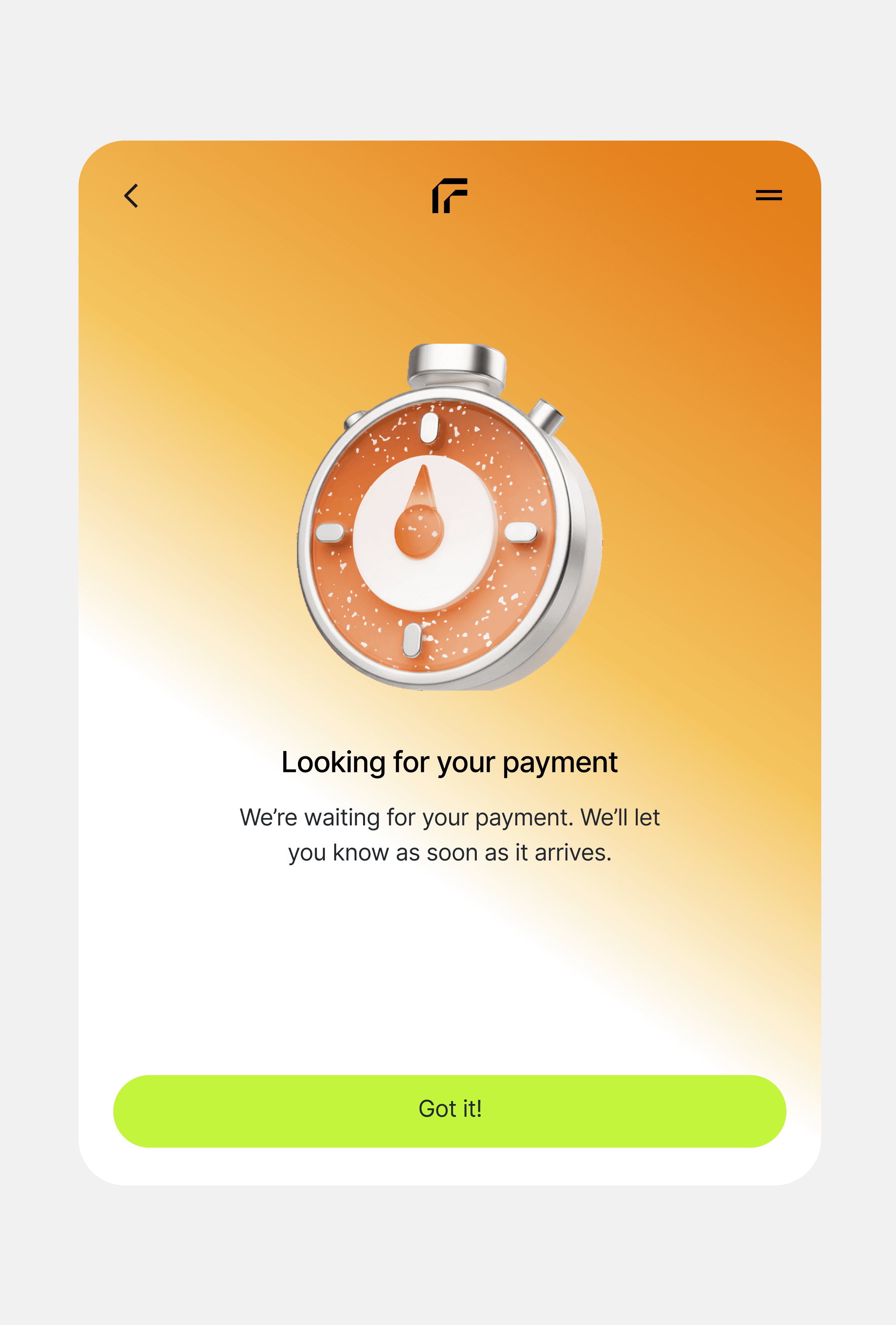
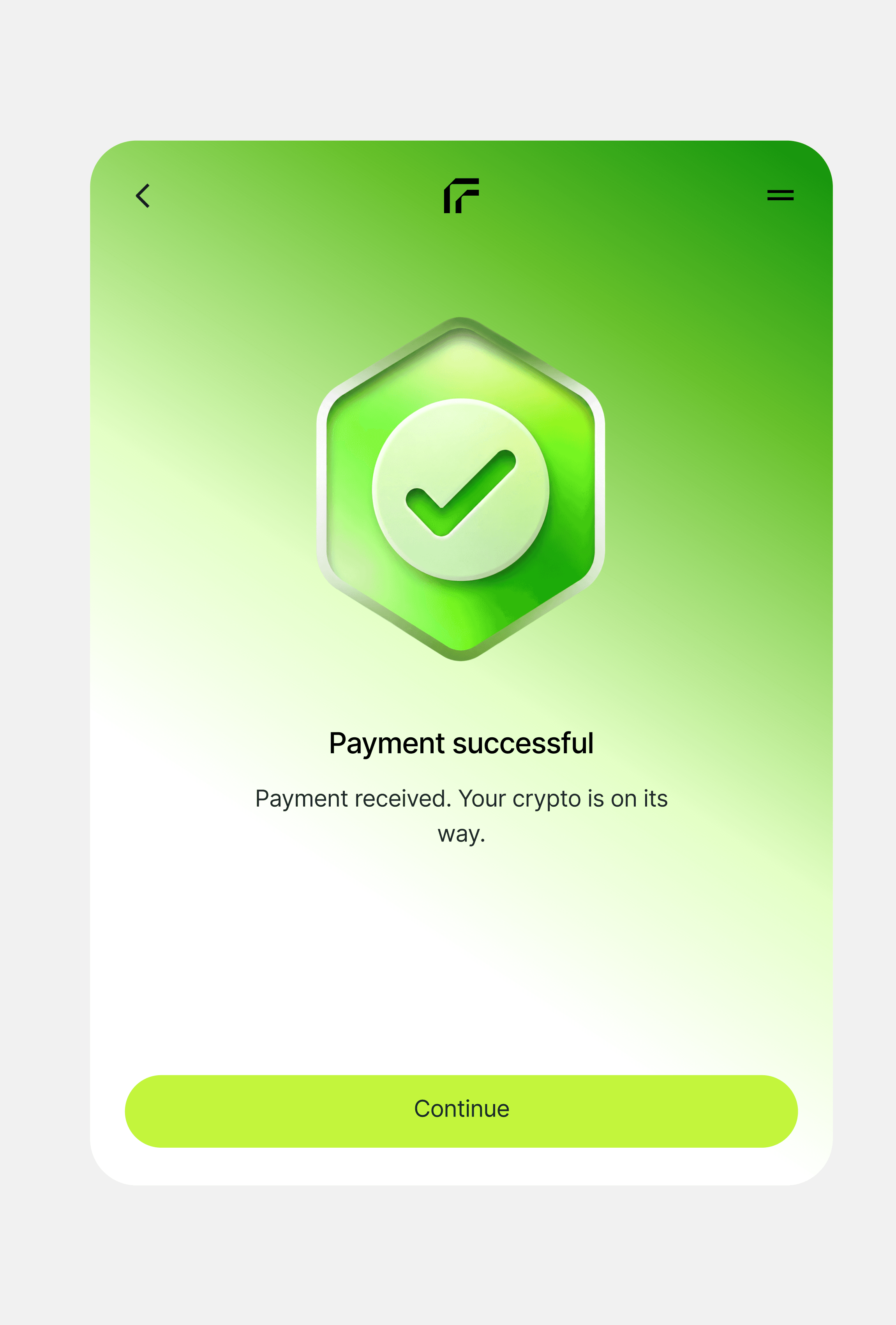
Crypto can take minutes to arrive, and not knowing where it is makes people worry. Every order shows each step from payment to delivery, including orders that cross chains, and keeps its receipt and a way to raise a ticket.
Off-ramp · Refund address
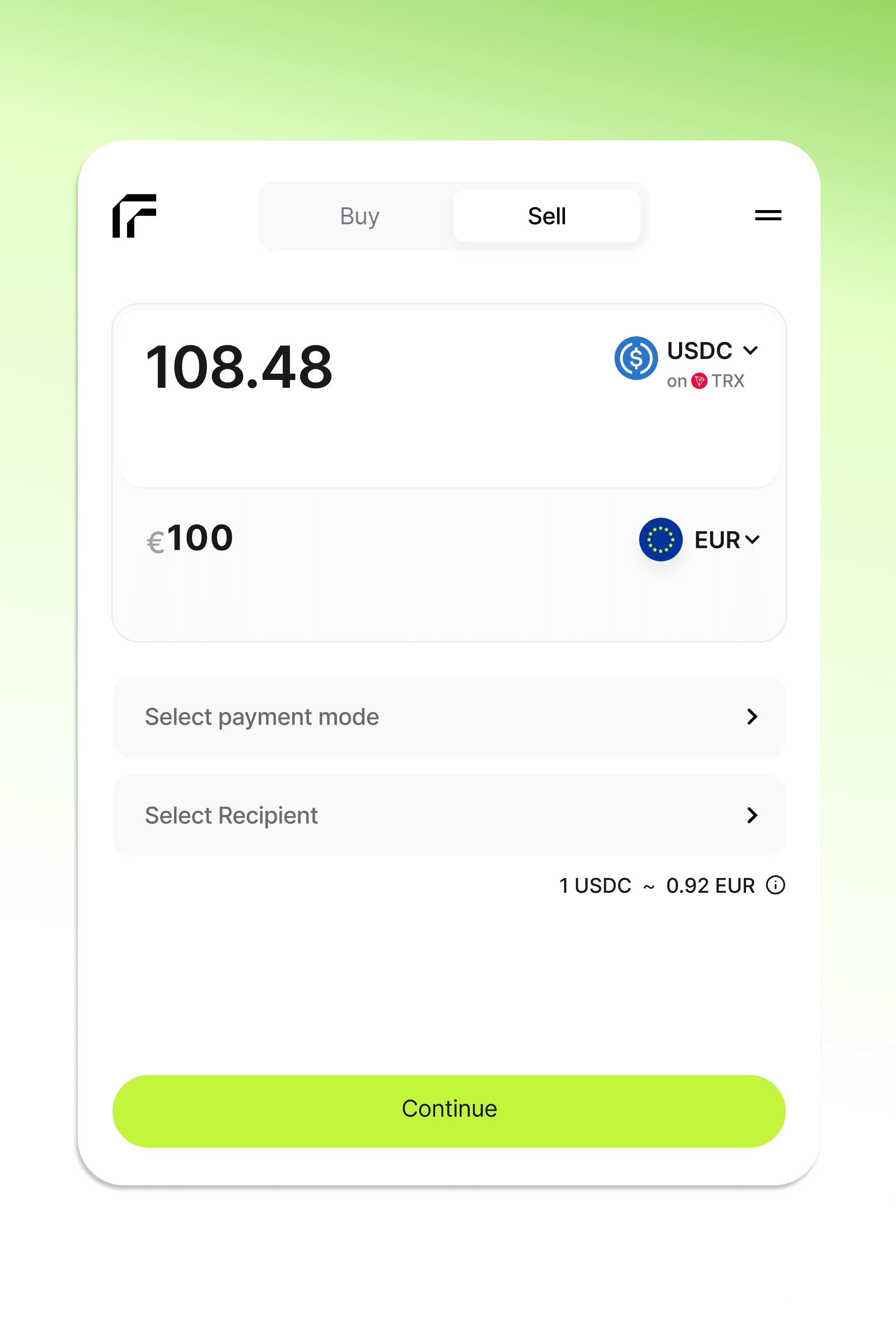
You add a refund address first
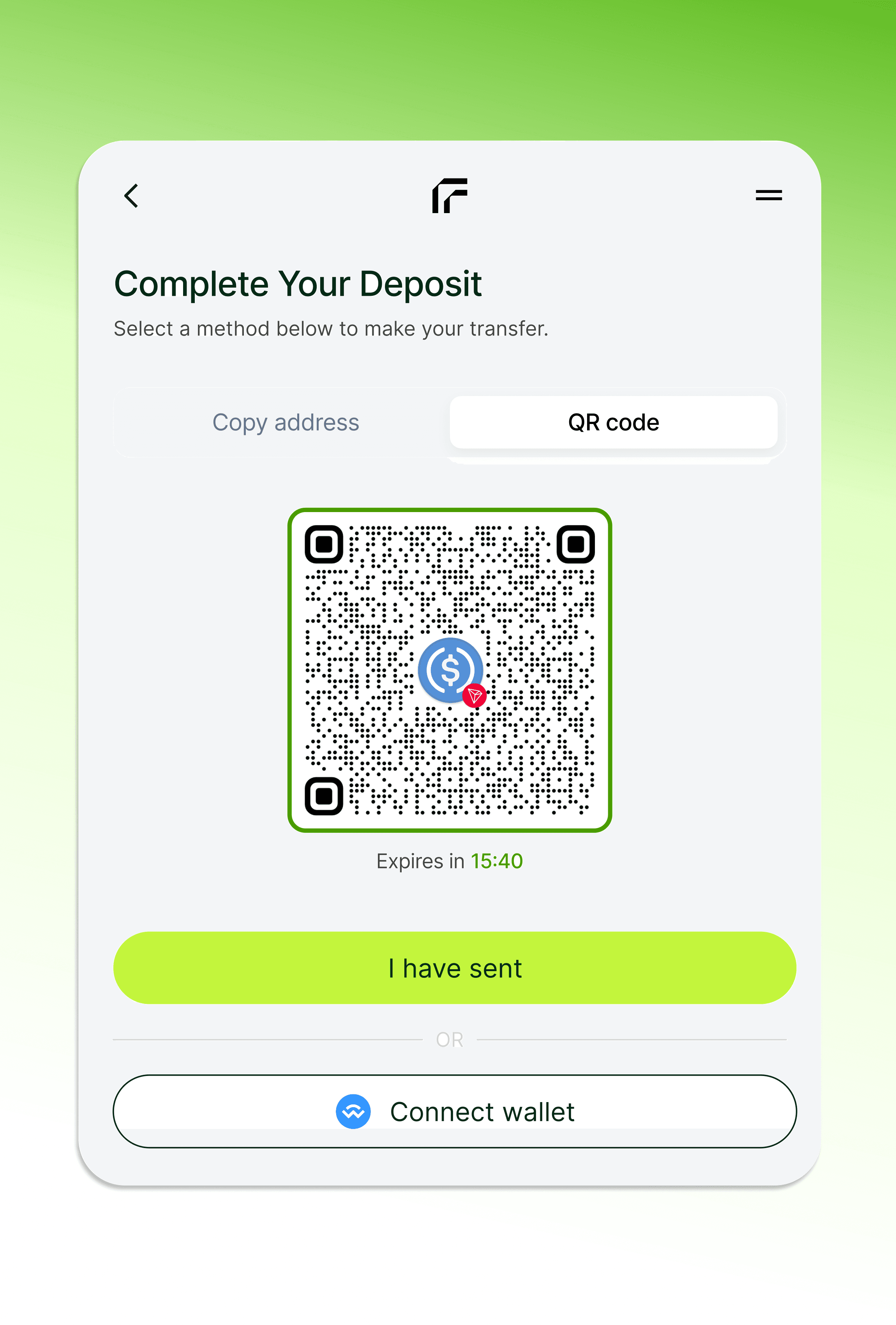
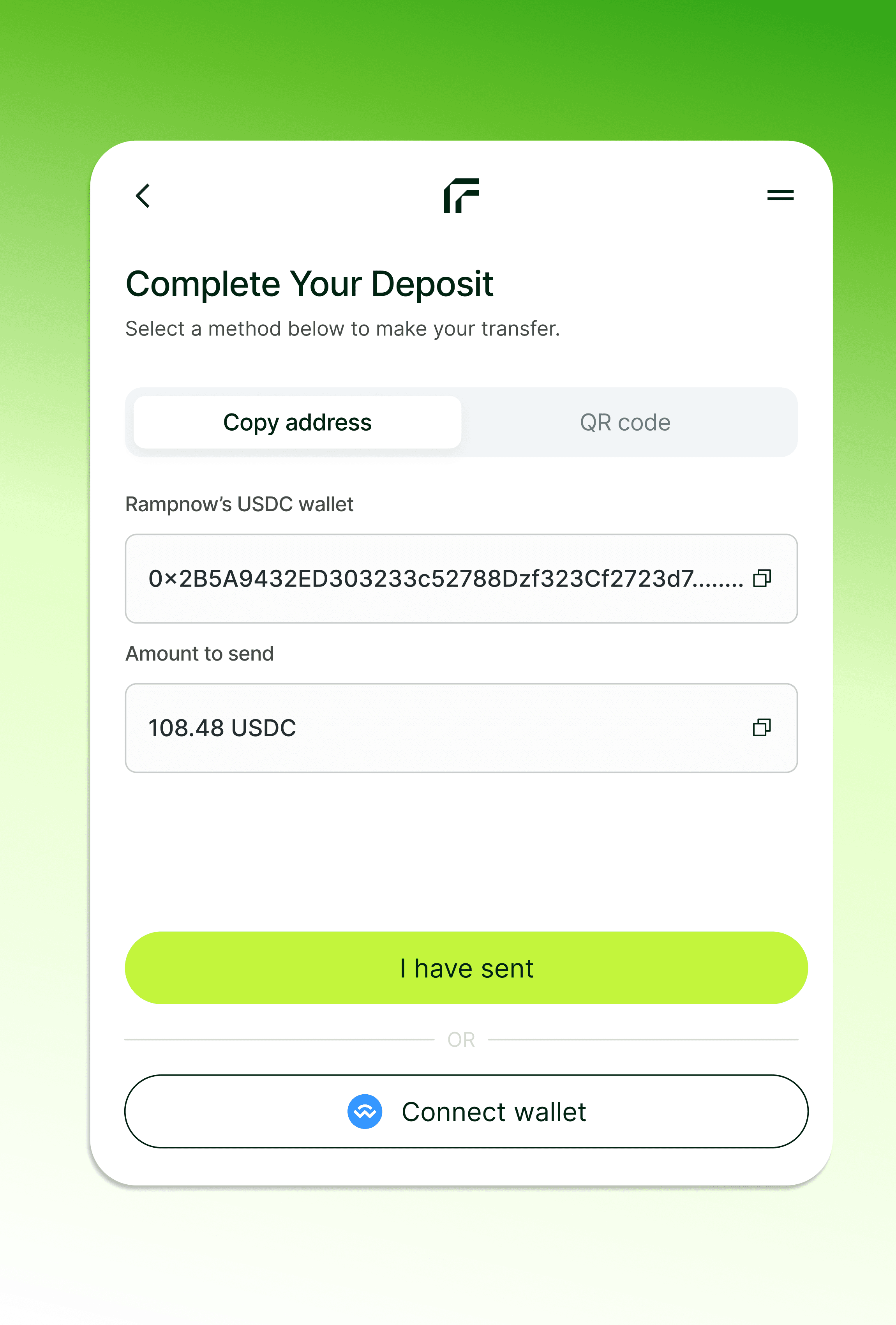
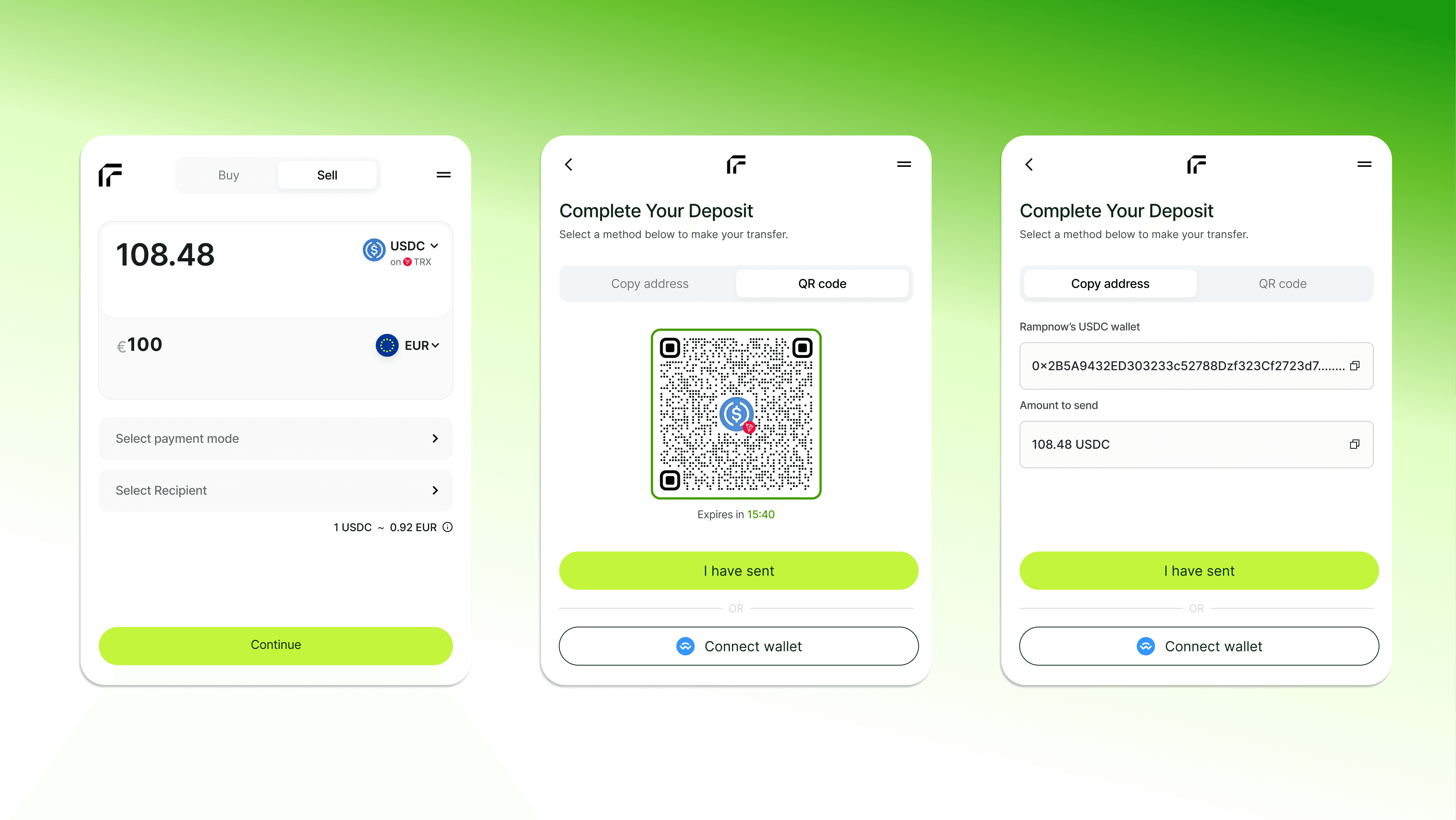
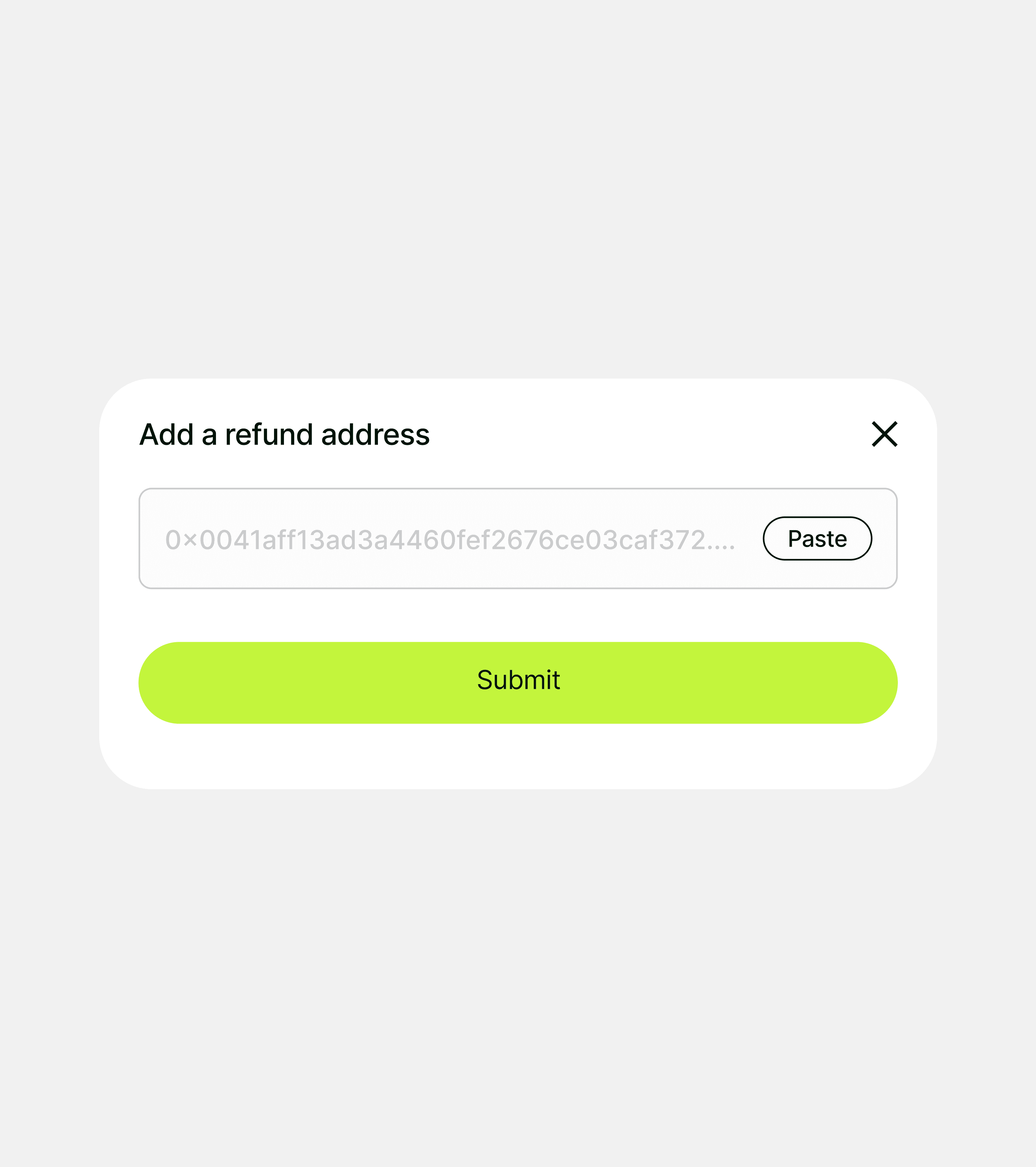
Selling is the riskier direction: once crypto is sent, it can't be pulled back. Pick what to sell, scan a QR code or connect your wallet, and add a refund address before you send. Once the deposit is confirmed, the money goes to your bank.
Off-ramp · Missing deposits
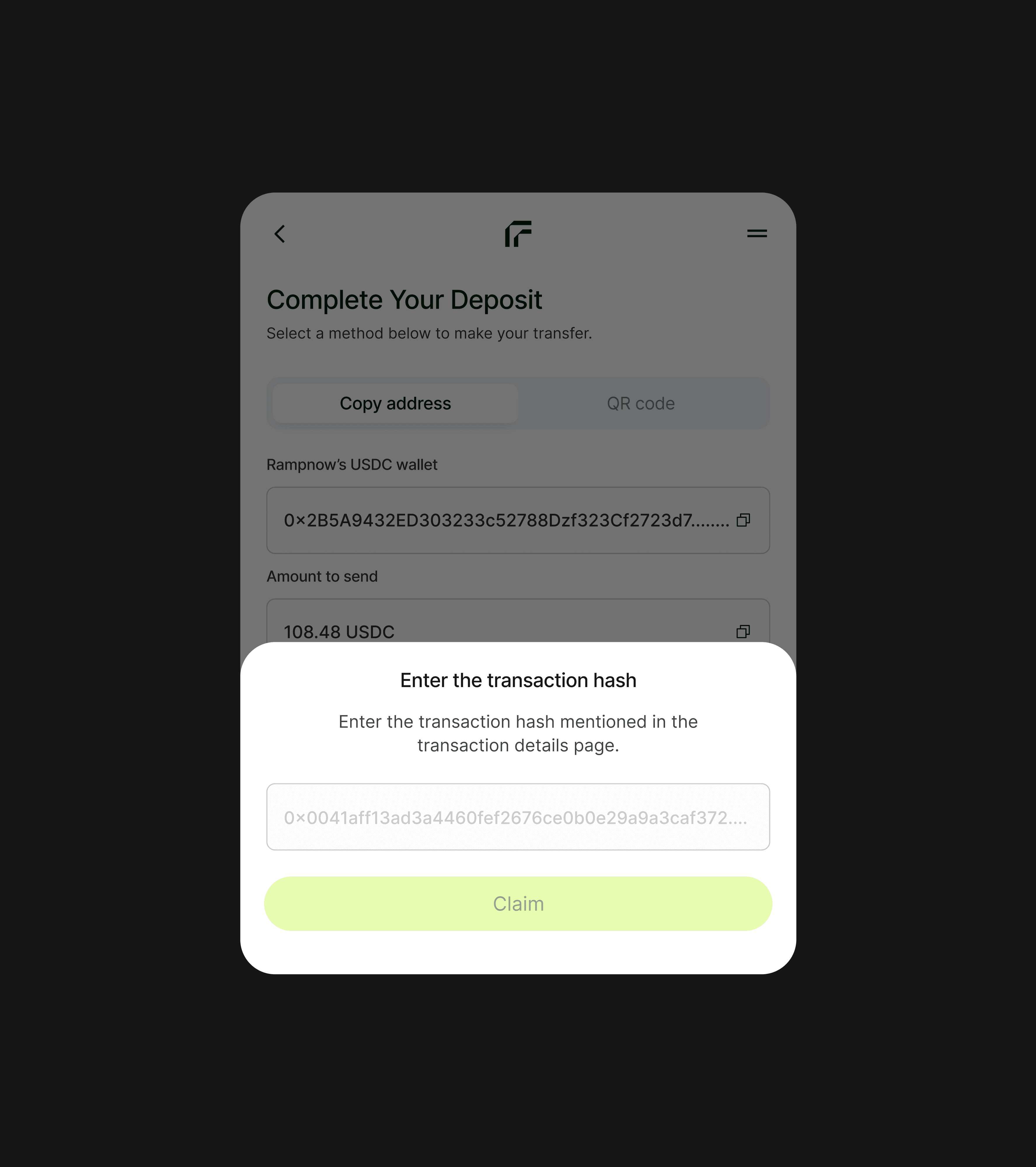
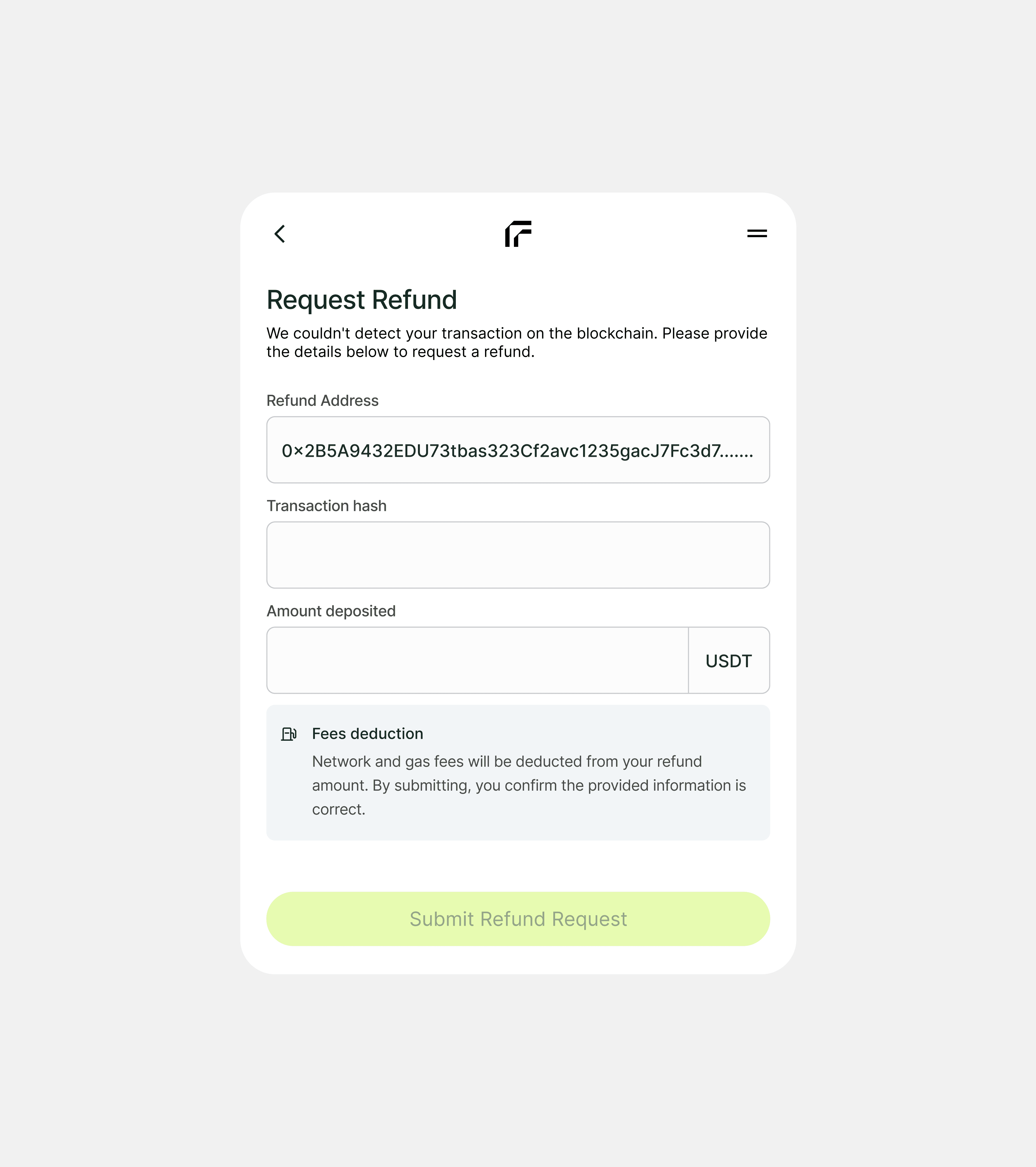
Missing deposits can be claimed
Deposits sometimes don't show up. You can claim a missing deposit with its transaction hash, or request a refund to the address you added before sending.
What I learned
A failed payment is fine. A dead end isn't.
Most of the work was deciding what happens after something goes wrong: a declined card, a slow check, a deposit that doesn't show up. Every one of them now has a next step.
Outcome
Live on Rampnow and in partner apps
Shaped by 9 user interviews across Europe and Latin America.
For users
30+ payment methods, including SEPA, iDEAL and Apple Pay, 20+ fiat currencies and 100+ tokens on 50+ blockchains, with the fee shown before they pay.
For partners
Embedded in partner products such as thirdweb, Meld, Coinstore and xRocket, and many more.
For Rampnow
A product for people, not only businesses, running on the same widget its partners use.